
In today's digital landscape, ensuring that websites are accessible to all users is more critical than ever. Cognitive accessibility, in particular, addresses the needs of users with cognitive impairments, making it an essential aspect of web design. Artificial Intelligence (AI) offers effective tools to identify and rectify cognitive accessibility issues, ultimately enhancing user experience and boosting conversion rates. AI technologies like machine learning and natural language processing are at the forefront of this revolution, detecting barriers and suggesting improvements in real-time.

- AI technologies are crucial for identifying cognitive accessibility issues.
- Machine learning and natural language processing detect barriers and suggest improvements.
- Enhancing cognitive accessibility leads to a better user experience and increased satisfaction.
What Role Does AI Play in Cognitive Accessibility?
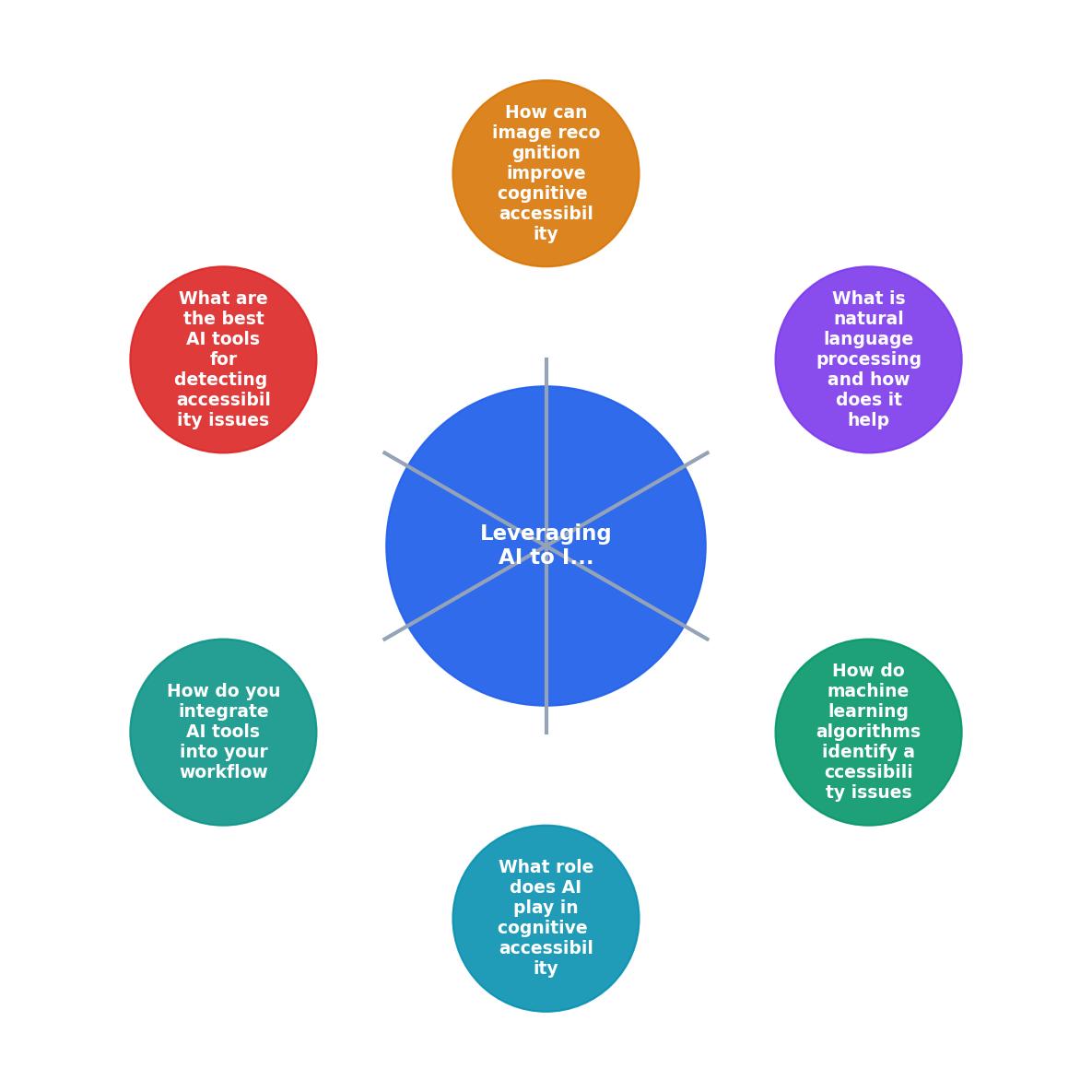
AI plays a pivotal role in reshaping cognitive accessibility by providing tools that can automatically detect and address accessibility issues on websites. These tools are designed to simulate the experience of users with cognitive impairments, allowing developers to see their websites through a different lens. By doing so, AI helps to identify areas where users may struggle, such as complex navigation, confusing content, or overwhelming interfaces.
Cognitive accessibility involves a range of considerations, from simplifying navigation to ensuring that content is presented in an understandable manner. AI, with its ability to process and analyze data at scale, can identify patterns and trends that may not be immediately apparent to human testers. For example, AI can track how users interact with a website, pinpointing where they encounter difficulties or abandon tasks. This insight is invaluable for making informed design choices that prioritize accessibility.
How Do Machine Learning Algorithms Identify Accessibility Issues?

Machine learning algorithms analyze vast amounts of data to identify patterns that may indicate accessibility issues. These algorithms can be trained to recognize elements that might confuse users, such as inconsistent navigation menus or jargon-heavy text. For example, Google's Lighthouse tool uses machine learning to assess websites' accessibility and provides actionable insights to improve them. By continually learning from user interactions, machine learning models become more adept at predicting potential barriers to comprehension.
Machine learning can also be employed to evaluate the readability of web content. By analyzing sentence structure, vocabulary, and layout, these algorithms can suggest modifications that make content more digestible for users with cognitive impairments. This process involves not only identifying problematic areas but also proposing specific changes, such as rephrasing complex sentences or reorganizing information for clarity.
"I think if implemented correctly, AI could have impressively positive impacts on inclusivity and accessibility.">, Accessibility and AI: Insights from assistive technology users
What is Natural Language Processing and How Does It Help?
Natural Language Processing (NLP) is a branch of AI that focuses on the interaction between computers and humans through language. NLP helps in cognitive accessibility by analyzing and simplifying complex language on websites. It can identify jargon, long sentences, and ambiguous phrasing that might hinder understanding. Tools like Grammarly and Hemingway Editor use NLP to suggest simpler alternatives and improve text readability, making content more accessible to users with cognitive impairments.
NLP algorithms are trained on vast datasets of human language, allowing them to understand nuances and context. This capability is crucial for ensuring that website content is both clear and engaging. For instance, NLP can detect when a passage of text is overly technical or verbose and provide suggestions for simplification. This is particularly beneficial for users who may struggle with reading comprehension or have difficulty processing complex information swiftly.
Beyond text analysis, NLP can also enhance user interaction through voice recognition and chatbots. These technologies can provide alternative means of navigation and information retrieval, catering to users who may find traditional text-based interfaces challenging. By offering voice-activated commands or conversational interfaces, NLP can make digital content more accessible and user-friendly.
How Can Image Recognition Improve Cognitive Accessibility?
Image recognition, another facet of AI, enhances cognitive accessibility by automatically generating alt text for images. This is vital for users who rely on screen readers. AI-driven tools like Microsoft's Azure Cognitive Services can analyze images and provide descriptive text, ensuring that all users, including those with visual impairments, can understand the content. This technology not only aids compliance with accessibility standards but also enriches the overall user experience.
Image recognition can be particularly helpful in environments where visual content is prevalent. By providing detailed descriptions of images, diagrams, or charts, AI ensures that users with cognitive impairments can grasp the context and significance of visual elements. This can be especially important in educational or informational settings, where understanding visual content is crucial for learning and comprehension.
Furthermore, image recognition can assist in identifying images that may be confusing or misleading. By analyzing the content, AI can flag images that lack clarity or context, prompting designers to provide additional explanations or choose more appropriate visuals. This proactive approach helps prevent misunderstandings and ensures that all users have equal access to information.
What Are the Best AI Tools for Detecting Accessibility Issues?
Several AI tools are available to assist in identifying and mitigating cognitive accessibility issues. Some of the most effective ones include:
- PagePerson Insights: This Chrome extension analyzes websites for cognitive accessibility and conversion barriers, offering insights into how real visitors interact with your site.
- Google Lighthouse: An open-source tool that audits websites for performance, accessibility, and SEO.
- Hemingway Editor: A tool that uses NLP to highlight complex sentences and suggest simpler alternatives.
Google Lighthouse, on the other hand, offers a comprehensive audit of a website's accessibility, evaluating everything from text readability to color contrast. Its machine learning capabilities allow it to provide tailored recommendations that address specific accessibility challenges.
Hemingway Editor, while primarily a writing tool, plays a crucial role in ensuring that web content is clear and concise. By highlighting areas of complexity and suggesting more straightforward alternatives, it assists in making text more accessible to a broader audience.
How Do You Integrate AI Tools into Your Workflow?

Integrating AI tools into your workflow involves several steps:
- Identify Needs: Evaluate your website to determine which areas require improvement in cognitive accessibility. This involves conducting an initial audit to identify existing barriers and setting clear objectives for what you aim to achieve through AI integration.
- Select Tools: Choose AI tools that align with your needs and objectives. Consider factors such as ease of use, compatibility with your existing systems, and the specific accessibility challenges you are addressing.
- Implement and Test: Integrate the tools into your development process and test their effectiveness. This stage involves configuring the tools to work seamlessly with your website and conducting thorough testing to ensure they are delivering the desired results.
- Iterate: Continuously analyze the results and make adjustments as necessary to improve accessibility. AI tools can provide ongoing insights, allowing you to refine your approach and make incremental improvements over time.
Steps to Integrate AI Tools for Accessibility
Your progress is saved automatically in your browser.
FAQ
Frequently Asked Questions
Incorporating AI into your web development process can significantly enhance cognitive accessibility, ensuring that your site is inclusive for all users. How have you leveraged AI to improve your website's accessibility? Share your experiences in the comments below.
Additional Resources
- Accessibility and AI: Insights from assistive technology users - Rapidly evolving AI may accelerate the inclusion, or exclusion, of people with disabilities. Explore considerations for building more ...
- Day 16: Evaluate adopting AI for accessibility testing and ... - AI can analyze website and identify a potential accessibility issues, provide detailed reports. :heavy_check_mark: AI can automate many of the ...
- How AI in Assistive Technology Supports Students and ... - AI-driven tools, such as conversational agents, predictive text, and personalized learning platforms, can support people with cognitive, speech, or mobility ...