
Most accessibility tools stop at contrast ratios and missing alt text. They ignore the harder problem: whether a visitor with ADHD, dyslexia, or anxiety can actually understand what your page is asking them to do. AI is changing that. A new generation of machine-learning tools now detects cognitive load issues, simplifies content in real time, and gives designers evidence they never had before to justify inclusive design decisions.

- AI-driven tools go beyond WCAG visual checks to detect cognitive load, reading complexity, and confusing interaction patterns.
- Integrating AI into your design workflow gives you measurable evidence for design decisions, not just gut feelings.
- The result: more inclusive digital experiences that work for users with cognitive disabilities and improve usability for everyone.
Why traditional tools miss cognitive barriers
Standard accessibility audits catch broken ARIA labels and low-contrast text. They do not catch a checkout flow that requires holding seven pieces of information in working memory, or a landing page whose sentence structure overwhelms someone with dyslexia.
Cognitive accessibility covers how well a person can perceive, process, and act on information. That includes reading level, information density, navigation predictability, and the number of decisions a page forces at once. These factors affect roughly 15-20% of the global population who live with some form of cognitive disability, and they affect everyone else on a bad day, a small screen, or a stressful moment.
Traditional audit tools produce binary pass/fail results for technical criteria. Cognitive load is not binary. It is a spectrum, and measuring it requires understanding language complexity, visual hierarchy, interaction sequencing, and user context simultaneously. That is exactly the kind of multi-dimensional pattern recognition where AI excels.
AI tools that reduce cognitive load

Several categories of AI-driven tools now target cognitive accessibility directly:
- Readability analyzers with NLP - Tools like Hemingway Editor and Readable use natural language processing to score content complexity. Newer versions go beyond Flesch-Kincaid scores to flag ambiguous pronouns, double negatives, and jargon density per section.
- Predictive eye-tracking - Platforms such as Attention Insight and EyeQuant use neural networks trained on real eye-tracking data to predict where users look first, what they miss, and where visual clutter creates cognitive overload. No lab required.
- Automated content simplification - Large language models now power tools that rewrite complex content into plain language while preserving meaning. Microsoft's Immersive Reader and similar browser-based tools adapt text in real time for users who need it.
- Interaction pattern analysis - Session replay tools like FullStory and Hotjar have added AI layers that detect "rage clicks," repeated back-navigation, and form abandonment patterns that signal cognitive friction, not just usability friction.
- Cognitive load scoring - PagePerson Insights analyzes pages specifically for cognitive accessibility barriers, identifying where real visitors with ADHD, anxiety, or low digital literacy are likely to struggle. It surfaces the why behind drop-offs, not just the where.
The following dashboard illustrates how AI-driven cognitive accessibility metrics compare to traditional audit results for a typical product page:
Cognitive Accessibility Audit Coverage
Integrating AI into your design process
Adding AI to a cognitive accessibility workflow does not mean replacing your design judgment. It means giving yourself data where you previously had opinions.
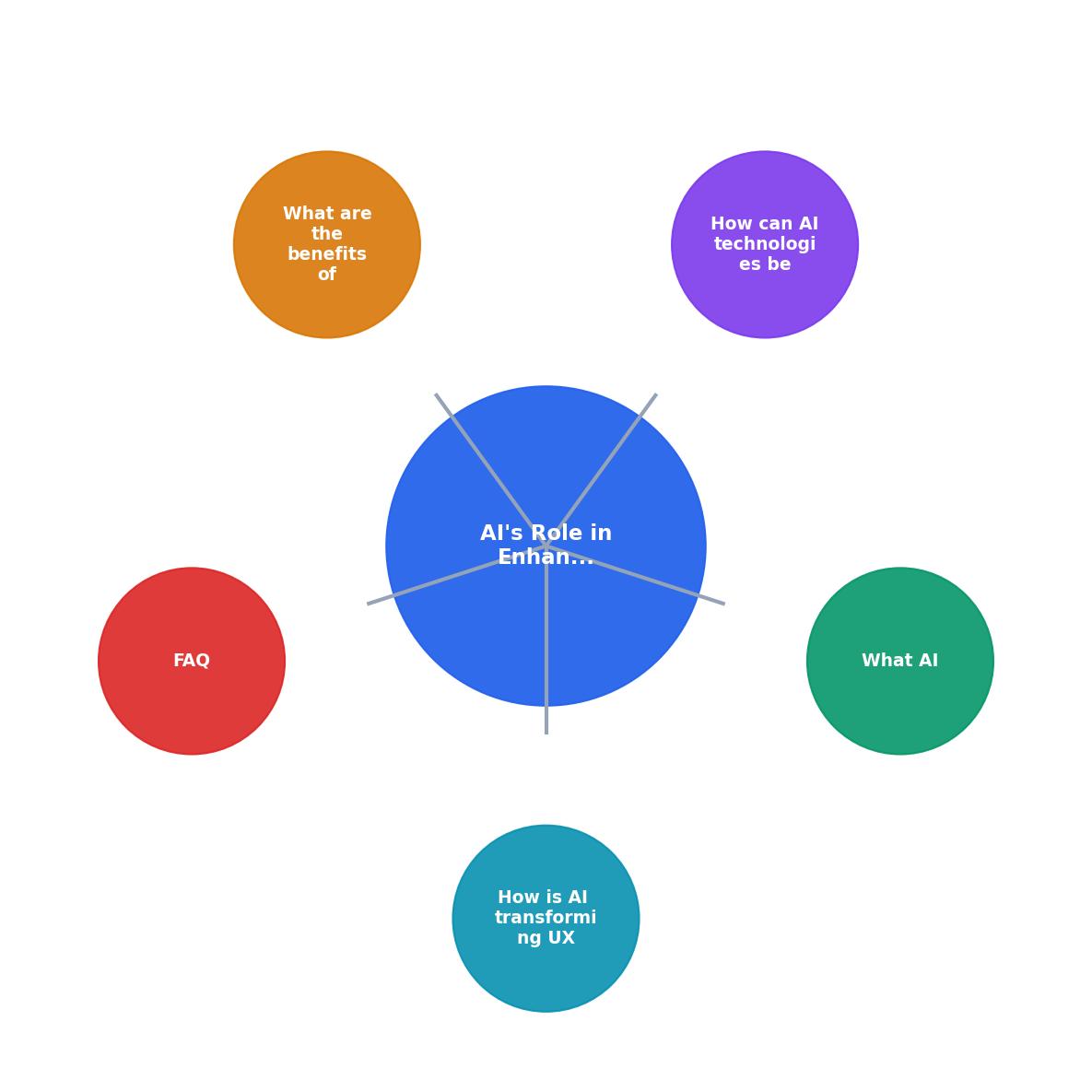
Here is a practical sequence that works inside existing design sprints:
- Audit - Run your current page or prototype through an AI cognitive load scanner. Capture baseline scores for reading level, information density, and interaction complexity.
- Identify - Review the flagged issues. Group them by severity: which barriers block task completion, and which add friction without stopping users entirely?
- Prioritize - Rank fixes by impact. A confusing primary CTA outweighs a slightly complex footer paragraph. AI tools often assign severity scores that help here.
- Redesign - Apply changes. Simplify language, reduce choices per screen, add progressive disclosure, and improve visual hierarchy.
- Validate - Re-run the AI analysis on the updated design. Compare scores. If cognitive load dropped measurably, you have evidence for stakeholders.
- Monitor - Set up ongoing AI-driven monitoring so new content or features do not reintroduce cognitive barriers.
"Romania is a top 2026 destination for software outsourcing: 200,000+ engineers, native GDPR, AI-native delivery, and rates 40–50% below Western Europe.">, Designing for Inclusivity: AI's Role in Accessibility
This matters for cognitive accessibility work because distributed teams building AI-driven accessibility tools are increasingly available at competitive rates, making it feasible for smaller organizations to adopt these approaches.
Benefits beyond compliance
Designing for cognitive accessibility with AI does not just check a compliance box. It creates measurable business outcomes:
- Lower bounce rates - Pages that are easier to process keep visitors longer. Reducing reading level from grade 12 to grade 8 on a product page can cut bounce rates significantly.
- Higher task completion - Fewer choices per screen and clearer language mean more users finish what they came to do: sign up, purchase, or find information.
- Reduced support costs - When interfaces explain themselves, fewer users contact support with "I don't understand how to..." questions.
- Broader audience reach - Cognitive accessibility improvements help non-native speakers, older adults, stressed users, and people on mobile devices with divided attention.
| Traditional Accessibility Audit | AI-Enhanced Cognitive Audit |
|---|---|
| Checks contrast, alt text, ARIA | Checks reading level, info density, decision load |
| Binary pass/fail results | Severity scores on a spectrum |
| Manual, time-intensive | Automated, repeatable |
| Catches ~30% of real barriers | Covers cognitive + technical barriers |
| Hard to justify to stakeholders | Produces quantified evidence |
AI Cognitive Accessibility Integration Checklist
Your progress is saved automatically in your browser.
FAQ
Frequently Asked Questions
What cognitive accessibility barrier on your site has been hardest to detect with traditional tools? Share your experience below.
Additional Resources
- Designing for Inclusivity: AI's Role in Accessibility - AI tools can play a crucial role in enhancing cognitive accessibility by creating interfaces that accommodate users with learning disabilities, neurodiverse ...
- Using AI to Break Down Barriers in UX Design - AI can assist in the creation of accessible designs, automate accessibility testing, and provide insights into how users with disabilities interact with ...
- AI-Driven Accessibility in UX: Inclusive Design for All - Discover how AI transforms accessibility in UX design - creating intelligent, adaptive interfaces that make digital experiences inclusive ...