
Conducting a cognitive accessibility audit is an essential practice for enhancing the usability and inclusiveness of digital platforms. With a growing emphasis on making online experiences accessible to all, these audits play a crucial role in identifying and eliminating barriers that prevent users from fully engaging with content. A range of tools is available to support UX designers and accessibility specialists in this vital task, each offering features that can significantly enhance comprehension and conversion rates.

TL;DR
- Cognitive accessibility audits are crucial for identifying and removing barriers that affect user comprehension.
- A variety of tools are available, each with unique features that address different aspects of accessibility.
- Choosing the right tool involves considering factors such as usability, cost, and the specific needs of your audience.
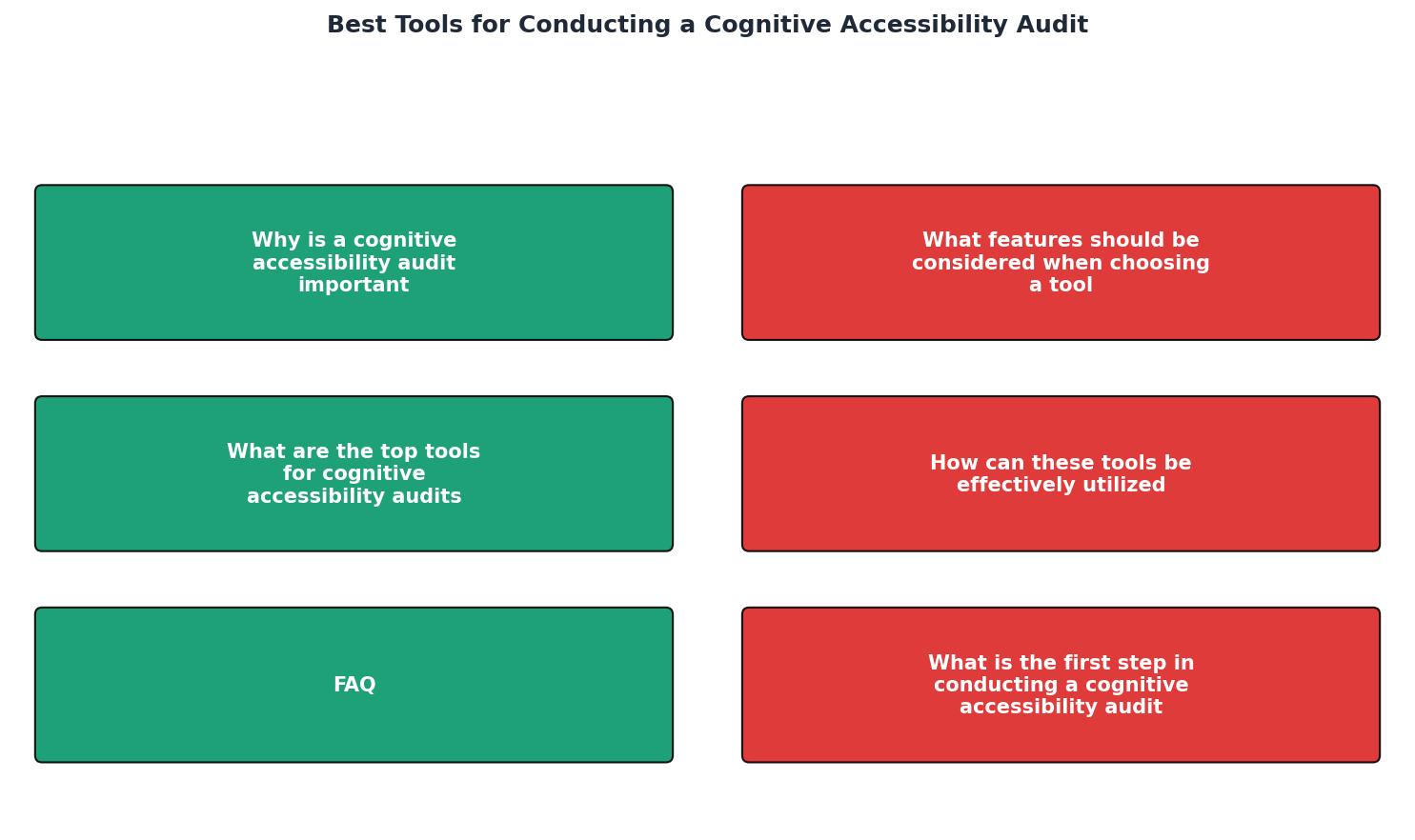
Why is a Cognitive Accessibility Audit Important?
Cognitive accessibility is about ensuring that digital content is understandable for everyone, including individuals with cognitive impairments. Unlike visual or auditory impairments, cognitive disabilities can often be less visible and harder to detect, which makes audits indispensable. These audits help identify a range of issues such as complex navigation, unclear instructions, or overwhelming amounts of information that can hinder user comprehension and engagement.
The Growing Importance of Inclusivity
In today's digital age, inclusivity is not just a legal requirement but a moral imperative. By ensuring that your website or application is accessible to everyone, you are opening your platform to a broader audience. This inclusivity can lead to increased user engagement, higher satisfaction rates, and ultimately, better conversion rates. Cognitive accessibility audits are a step towards making sure no user is left behind, regardless of their cognitive abilities.

Key takeaway: Conducting regular cognitive accessibility audits ensures that your website is inclusive and user-friendly, improving the overall user experience and potentially increasing conversions.
What Features Should Be Considered When Choosing a Tool?
Selecting the right tool for a cognitive accessibility audit involves several considerations. First and foremost, usability is a critical factor; the tool should be intuitive and easy to integrate into existing workflows. Additionally, cost is an important aspect, particularly for startups or small agencies with limited budgets. Tools that offer a free tier or trial period can be especially beneficial for initial assessments.
Essential Features to Look For
- Comprehensive Analysis: The tool should provide a thorough examination of various aspects of cognitive accessibility, from language complexity to the ease of navigation.
- Customizable Reports: Being able to tailor reports to meet the needs of specific stakeholders can enhance communication and buy-in, making it easier to implement changes.
- Integration Capabilities: Tools that seamlessly integrate with other platforms or existing tools can streamline the audit process, saving both time and resources.
- Support and Updates: Regular updates and reliable customer support ensure that the tool remains effective and up-to-date, adapting to new standards and requirements as they arise.
What are the Top Tools for Cognitive Accessibility Audits?
Several tools stand out in the field of cognitive accessibility audits, each offering unique features and benefits. Here's a closer look at some leading tools that accessibility specialists frequently recommend:
| Tool Name | Features | Cost | Usability |
|---|---|---|---|
| Tool A | Language complexity, navigation analysis | Free trial | High |
| Tool B | Customizable reporting, integration | Subscription | Medium |
| Tool C | Detailed accessibility guidelines | One-time fee | High |
"The idea of an accessibility audit might sound overwhelming, especially if you’ve never conducted one before."
— A Step, A Step-by-Step Guide to Conducting a Web Accessibility Audit

How Can These Tools Be Effectively Utilized?
Effective utilization of these tools starts with clearly defining your goals. Are you aiming to improve the overall user experience, or are you targeting specific accessibility issues? Once you have a clear understanding of your objectives, you can select a tool that aligns with these goals and begin with a small-scale audit to get accustomed to its features.
Steps to Conduct a Successful Audit
- Identify Key Areas: Focus on sections of the website that are critical for user interaction. This could include navigation menus, forms, and frequently accessed content.
- Utilize Tool Features: Make full use of the tool's capabilities, such as language analysis and navigation checks, to gain comprehensive insights into potential cognitive barriers.
- Generate Reports: Use customizable reporting features to create detailed reports for stakeholders. These reports should highlight key issues and recommended actions.
- Implement Changes: Based on the audit findings, make necessary changes to enhance accessibility. This might involve simplifying navigation, clarifying instructions, or reducing cognitive load.
- Re-evaluate: Conduct follow-up audits to ensure that the implemented improvements are effective and that new issues have not arisen.

Pro tip: Start with a free trial or demo version of a tool to evaluate its suitability before committing to a purchase.
Cognitive Accessibility Audit Checklist
Your progress is saved automatically in your browser.
FAQ
Frequently Asked Questions
Have you conducted a cognitive accessibility audit recently? Share your experiences and insights in the comments below!
Additional Resources
- A Step-by-Step Guide to Conducting a Web Accessibility ... - It's best to start with automated testing to spot all your issues. Automated testing tools streamline the audit process and help focus your ...
- What are Accessibility Audits? — updated 2026 - DevTools 3. Color Contrast Analyzers 4. UserWay's Audit Services 5. AccessiBe's Web Audits 6. Equally AI's Tailored Audits 7. Allyant's ...
- Website Accessibility Audits | WCAG & Cognitive Access - AXS Toolbar accessibility widget can help people personalise reading, contrast and content support. Manual auditing remains the gold standard for accessibility ...