

Ecommerce platforms present unique cognitive accessibility challenges, with complex navigation and information overload often leaving users overwhelmed. These issues can create barriers that hinder user experience and conversion rates. Simplifying interfaces and enhancing product descriptions are crucial steps towards creating a more accessible and effective ecommerce environment. By addressing these challenges, ecommerce platforms can improve user engagement and boost sales.

TL;DR:
Ecommerce platforms face unique cognitive accessibility challenges like complex navigation and information overload. Simplifying interfaces and enhancing product descriptions can improve user experience and sales.
As ecommerce continues to grow, ensuring cognitive accessibility becomes increasingly important. Unlike physical stores, online platforms must convey information clearly and efficiently to a diverse audience, including individuals with cognitive disabilities. This article delves into the specific challenges faced by ecommerce platforms and explores strategies to enhance cognitive accessibility, thereby improving both user experience and conversion rates.
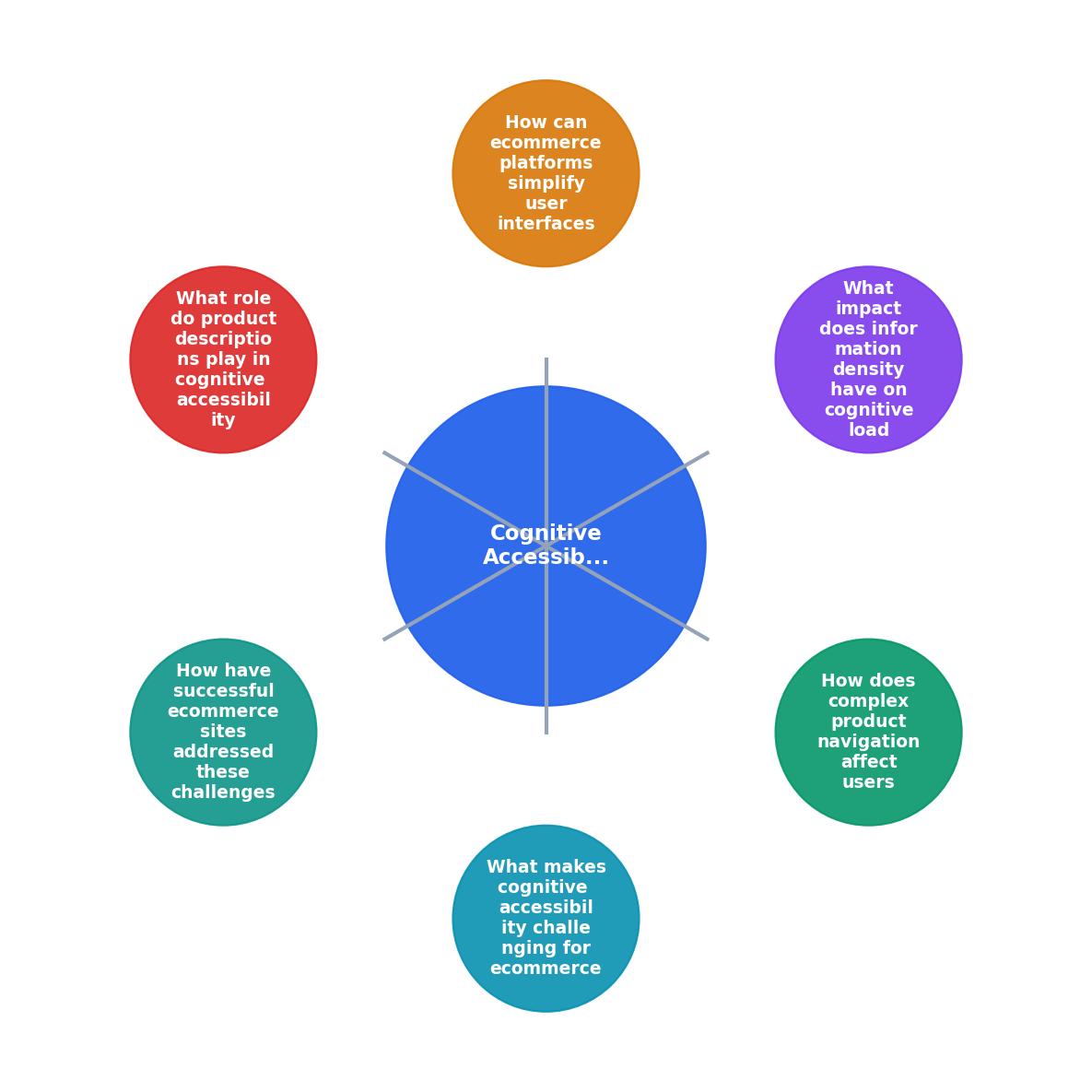
What Makes Cognitive Accessibility Challenging for Ecommerce?
Ecommerce platforms are inherently complex. They are designed to offer a wide range of products and services, which often results in intricate navigation systems and dense information displays. For users with cognitive disabilities, this complexity can be overwhelming, leading to frustration and abandonment of the site.

The abundance of choices and the need to process a lot of information quickly can increase cognitive load, making it difficult for users to make purchasing decisions. This is particularly true for individuals with conditions such as ADHD, dyslexia, or anxiety. Therefore, simplifying the user experience is not just about aesthetics but about making ecommerce sites more accessible to everyone.
"online retail sales soared to an impressive $1.14 trillion last year, a notable 10% increase from 2022.">, eCommerce Web Accessibility ⚡️ How to Make Accessible Stores
How Does Complex Product Navigation Affect Users?
Complex navigation is a significant barrier to cognitive accessibility in ecommerce. Many sites have intricate category trees and filters that can confuse users. A well-structured navigation system should be intuitive, allowing users to find products without excessive searching or guessing.

Simplifying navigation involves reducing the number of clicks needed to reach a product, using clear labels, and ensuring consistency across the site. Implementing a search function that includes predictive text and autocorrect can also aid in reducing cognitive load. Furthermore, breadcrumb trails can help users keep track of their location within the site, making navigation more straightforward.
What Impact Does Information Density Have on Cognitive Load?
Information overload is another challenge for ecommerce platforms. Pages filled with too much text, images, and clutter can overwhelm users, particularly those with cognitive impairments. High information density increases cognitive load, leading to decision fatigue and reduced conversion rates.
To combat this, ecommerce sites should focus on presenting information in a concise and organized manner. This includes using bullet points, headings, and whitespace effectively to break down information into digestible parts. Visual hierarchy should guide the user's eye to the most critical elements first, such as product names, prices, and call-to-action buttons.
How Can Ecommerce Platforms Simplify User Interfaces?
Simplifying user interfaces is essential for reducing cognitive barriers. This can be achieved by employing minimalist design principles, which focus on the essentials and remove unnecessary elements.

Consider using larger fonts, high-contrast colors, and straightforward language to improve readability. Consistent design patterns across the site help users predict how elements will behave, reducing the effort needed to navigate and interact with the site.
What Role Do Product Descriptions Play in Cognitive Accessibility?
Clear and concise product descriptions are vital for cognitive accessibility. They help users understand the product without needing to sift through excessive information. Descriptions should highlight key features and benefits, using simple language and avoiding jargon.
In addition to text, high-quality images and videos can provide additional context, catering to different learning styles. Alt text for images is also important for users who rely on screen readers.
How Have Successful Ecommerce Sites Addressed These Challenges?
Successful ecommerce platforms have implemented various strategies to enhance cognitive accessibility. For example, Amazon uses a straightforward interface with clear navigation, while Shopify offers themes that prioritize accessibility.
By continuously testing and iterating on their designs, these companies have managed to create environments that are not only accessible but also welcoming to all users.
Key takeaway: Simplifying navigation and reducing information overload are crucial steps towards improving cognitive accessibility on ecommerce platforms.
Steps to Improve Cognitive Accessibility in Ecommerce
Your progress is saved automatically in your browser.
FAQ
Frequently Asked Questions
What strategies have you found effective in improving accessibility on your ecommerce platform? Share your thoughts in the comments below!
Additional Resources
- eCommerce Web Accessibility ⚡️ How to Make ... - 1. Alt Text for Enhanced Screen Reader Compatibility · 2. Keyboard-Friendly Navigation · 3 Optimized Text for Visual Accessibility · 4. Accessible Online Forms · 5.
- E-commerce Accessibility: Inclusive Online Shopping 🛒♿️ - Ecommerce platforms often face barriers that prevent users with disabilities from completing purchases. Visual impairments make it difficult to ...
- Why Accessibility is Key in E-commerce Businesses - In e-commerce, ensuring accessibility means crafting inclusive experiences by granting barrier-free access to all customers in an online store.