

Over 3 billion internet users live in emerging markets across Southeast Asia, Sub-Saharan Africa, and Latin America. Most of them access the web on low-cost smartphones with intermittent connectivity, in languages that mainstream design teams rarely test for. When cognitive accessibility gets ignored in these regions, entire populations hit invisible walls that no amount of bandwidth can fix. The companies that figure this out first will capture markets their competitors cannot even reach.

- Emerging digital markets face cognitive accessibility barriers that go beyond standard WCAG visual checks: low digital literacy, multilingual interfaces, and device constraints compound cognitive load.
- Companies that adapt their strategies to reduce cognitive friction see measurable growth in user retention and conversion.
- Compliance frameworks like the European Accessibility Act and regional regulations create both obligations and competitive advantages for early movers.
The real accessibility gap
Standard accessibility audits check contrast ratios, alt text, and keyboard navigation. That covers maybe 40% of the problem. The other 60% is cognitive: can a first-time user who speaks Swahili as a second language, on a $50 Android phone with a cracked screen, actually understand what your checkout flow wants them to do?
In mature markets, designers assume baseline digital literacy. Users know what a hamburger menu is. They recognize form validation patterns. They understand that a spinning circle means "wait." In Lagos, Dhaka, or Lima, those assumptions collapse. A significant portion of new internet users in these regions came online in the last three to five years. They learned digital interaction on WhatsApp and Facebook, not on SaaS dashboards or e-commerce platforms.
This creates a specific kind of cognitive barrier. It is not about intelligence. It is about pattern familiarity. When a user encounters an interface pattern they have never seen before, their cognitive load spikes. They hesitate. They abandon. And your analytics dashboard records it as a "bounce" with zero explanation why.
Barriers unique to emerging markets

The cognitive accessibility challenges in emerging markets cluster into five categories. Each one compounds the others.
- Low digital literacy: Users who learned the internet through messaging apps lack mental models for navigation patterns like breadcrumbs, multi-step forms, or tabbed interfaces. A three-step checkout that feels simple to a designer in Berlin is a cognitive maze for a first-generation smartphone user in rural India.
- Multilingual cognitive load: Many users in emerging markets operate in two or three languages daily. An interface in English (or even in their national language) may not match the language they think in. Code-switching between languages while processing interface instructions creates measurable cognitive overhead.
- Device and connectivity constraints: Small screens, slow connections, and interrupted sessions force users to hold more information in working memory. A page that loads in fragments, or a form that loses state on reconnect, demands cognitive effort that has nothing to do with the content itself.
- Cultural context mismatch: Icons, metaphors, and color associations vary across cultures. A red button does not universally mean "danger" or "stop." A shopping cart icon means nothing to someone who has never used a physical shopping cart. These mismatches create micro-moments of confusion that accumulate.
- Limited error recovery knowledge: When something goes wrong, experienced users know to refresh, go back, or clear a form. New digital users often do not. An error state without clear, simple recovery instructions becomes a dead end.
Adapting strategies that work

Reducing cognitive friction in emerging markets does not require rebuilding your product from scratch. It requires targeted changes to the areas where cognitive load is highest.
Simplify navigation patterns
Flat navigation beats deep hierarchies. M-Pesa, the mobile money platform used across East Africa, built its entire interface around a linear flow: one action leads to the next, with no branching menus. Users do not need to hold a mental map of the application structure. Each screen tells them exactly what to do next.
Replace hamburger menus with visible, labeled navigation items. Limit choices per screen to three or four. Use progressive disclosure so users only see complexity when they need it.
Design for interrupted sessions
In markets where connectivity drops mid-task, your interface needs to handle session recovery gracefully. Auto-save form progress. Show clear "you were here" indicators when a user returns. Jumia, the pan-African e-commerce platform, implemented persistent cart states and saw cart abandonment drop in markets with unreliable mobile data.
Use concrete language and visuals
Abstract labels like "Proceed" or "Submit" carry less meaning than specific ones like "Pay 500 KES now" or "Send your order." Pair text labels with illustrative icons, but test those icons with local users. What reads as intuitive in one culture may be opaque in another.
"P12: 'I know that the language and content itself are clear on my website.">, Barriers to creating value with cognitive accessibility features in digital serv
That confidence gap is the problem. Teams assume clarity because the content is clear to them. Testing with actual users in the target market is the only way to validate that assumption.
Build for the lowest common device
Test on a $50 Android phone with 2GB of RAM and a 4-inch screen. If your interface works there, it works everywhere. Gojek, the Indonesian super-app, optimized its entire ride-hailing flow for low-end devices and slow connections. The result: a streamlined interface that reduced cognitive load for all users, not just those on budget hardware.
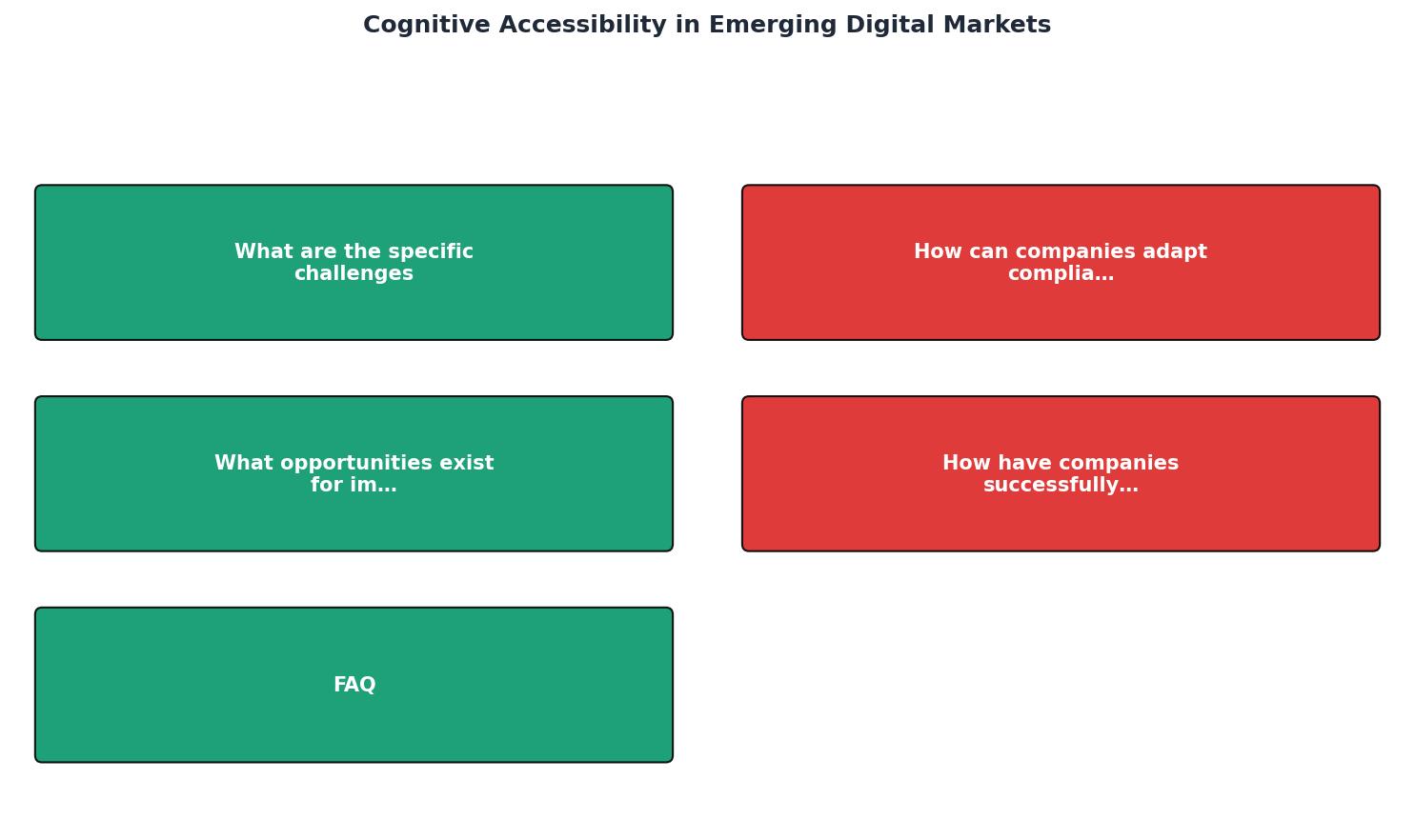
The following diagram shows how these adaptation steps connect in practice:
Lessons from companies getting it right

Several companies operating in emerging markets have turned cognitive accessibility into a growth lever. Their approaches share common patterns.
M-Pesa (Kenya, Tanzania, and 10+ markets): Linear task flows, minimal text, USSD fallback for feature phones. M-Pesa did not try to educate users on complex financial interfaces. It met them where they were: simple prompts, one step at a time. The platform processes over 60 million transactions daily across Africa.
Grab (Southeast Asia): Grab localized not just language but interaction patterns. In Vietnam, where users preferred cash transactions, Grab built a cash-payment flow that required zero banking knowledge. The cognitive barrier of "how do I pay digitally" was removed entirely.
Aadhaar-linked services (India): India's digital identity system enabled services that reduced cognitive load by eliminating repetitive data entry. Users authenticate once; their information flows across services. This removed one of the highest-friction cognitive tasks: remembering and re-entering personal details across multiple platforms.
The pattern across all three: reduce the number of decisions a user must make, eliminate assumptions about prior digital experience, and test relentlessly with real users in real conditions.
The following dashboard illustrates the kind of accessibility metrics that matter when evaluating emerging market readiness:
Emerging Market Accessibility Readiness
Compliance frameworks that apply
Accessibility compliance in emerging markets is not a blank slate. Several frameworks already apply or are being adopted.
European Accessibility Act (EAA): Takes full effect in June 2025 across the EU, but its reach extends further. Any company selling digital products or services to EU customers must comply, regardless of where the company is based. For businesses in emerging markets targeting European customers, or European companies expanding into emerging markets, the EAA sets the baseline.
WCAG 2.2 and the cognitive layer: WCAG 2.2 introduced success criteria that directly address cognitive accessibility: consistent help (3.2.6), redundant entry (3.3.7), and accessible authentication (3.3.8). These criteria are especially relevant in emerging markets where users rely on simpler authentication methods and need consistent interface patterns.
Regional frameworks:- India's Rights of Persons with Disabilities Act (2016) mandates digital accessibility for government services and is increasingly referenced by private sector companies.
- Brazil's Lei Brasileira de Inclusao (2015) requires accessible digital services and references WCAG standards.
- Kenya's ICT Authority guidelines include accessibility provisions for public digital services.
| Standard WCAG Audit | Cognitive Accessibility Audit |
|---|---|
| Checks contrast, alt text, ARIA | Checks comprehension, cognitive load, clarity |
| Automated scanning covers most criteria | Requires user testing + specialized tools |
| Binary pass/fail per criterion | Spectrum of cognitive friction levels |
| Focuses on perceivable/operable | Focuses on understandable/predictable |
| Same checklist globally | Must adapt to local literacy and language context |
Building a repeatable process
Cognitive accessibility in emerging markets is not a one-time project. It is an ongoing practice that needs to be embedded in your development and compliance workflow.
Start by auditing your highest-traffic pages with real users from your target market. Not personas. Not assumptions. Actual people using actual devices in actual network conditions. Record where they hesitate, where they tap incorrectly, and where they abandon.
Then prioritize fixes by impact. A confusing checkout flow that loses 30% of users is a higher priority than a help page with suboptimal heading structure. Focus on the pages and flows where cognitive friction directly costs you users or revenue.
Emerging Market Cognitive Accessibility Checklist
Your progress is saved automatically in your browser.
FAQ
Frequently Asked Questions
Additional Resources
- Barriers to creating value with cognitive accessibility features ... - This paper aims to identify service providers' perceptions of barriers to designing cognitively accessible digital services.
- Cognitive digital accessibility and hidden barriers - Cognitive Digital Accessibility removes barriers to digital content for individuals with “hidden differences”. What barriers exist for users ...
- Digital Accessibility Software Market Size, Forecast 2035 - Digital Accessibility Software Market is Expected to Grow a Valuation of USD 14.11 Billion by 2035. Growing at a CAGR of 10.98% During the ...