
Google rewards pages that people actually use. When visitors land on a page, understand it quickly, and stay to complete an action, search engines notice. Cognitive accessibility removes the friction that causes confusion, early exits, and wasted ad spend. The overlap between making a site cognitively accessible and making it rank well is not a coincidence; it is the same set of problems solved from two different angles.

- Cognitive accessibility improvements directly boost SEO signals like dwell time, bounce rate, and pages per session.
- Clear headings, plain language, and predictable layouts reduce cognitive load, which keeps visitors engaged and tells Google the page is useful.
- Aligning accessibility and SEO efforts creates a compounding effect: better rankings bring more traffic, and a more accessible site converts that traffic at a higher rate.
Why Cognitive Accessibility Drives SEO
Search engines stopped being keyword-matching machines years ago. Google's ranking systems now measure user experience signals: how long someone stays, whether they pogo-stick back to results, and how they interact with the page. Every one of those signals improves when you reduce cognitive load, the mental effort required to process information on a page.
A visitor with ADHD who bounces after three seconds because the page has six competing calls-to-action counts the same in your analytics as a visitor who simply did not find what they wanted. Google cannot tell the difference. It just sees a bounce.
That number is not hypothetical. Cognitive barriers affect people with dyslexia, anxiety, low digital literacy, attention disorders, and anyone who is tired, distracted, or multitasking. When you fix those barriers, you fix the experience for everyone, and your SEO metrics shift upward.
Core user-experience signals affected by cognitive accessibility:
- Dwell time increases when content is scannable and headings match expectations.
- Bounce rate drops when the page layout is predictable and the primary action is obvious.
- Pages per session rise when navigation labels use plain language instead of clever branding terms.
- Core Web Vitals improve when you strip unnecessary visual complexity and reduce layout shifts.
How Accessibility Improvements Lift Rankings

The connection is not abstract. Specific accessibility changes produce specific SEO gains. Here is how the mechanics work.
Clear Heading Hierarchy
Screen readers and search engine crawlers both rely on heading structure (H1 through H6) to understand page content. When headings accurately describe the section below them, Google can generate better featured snippets, and visitors can scan the page faster. A page with a single H1, logical H2 sections, and descriptive H3 sub-sections outperforms a page where headings are chosen for font size rather than meaning.
Plain Language and Readability
Google's Helpful Content system favors pages that answer questions directly. Writing at a 7th-to-9th grade reading level is not dumbing things down. It is removing unnecessary jargon so the answer reaches more people. Pages written in plain language earn longer dwell times and get cited more often in AI-generated search summaries.
Descriptive Link Text
"Click here" tells neither the user nor the crawler what happens next. Descriptive link text like "download the accessibility audit checklist" serves both audiences. It gives context to visitors scanning the page and provides anchor text signals to search engines.
Consistent, Predictable Layouts
When a visitor has to re-learn the navigation on every page of your site, cognitive load spikes. Consistent layouts reduce that load. They also reduce Cumulative Layout Shift (CLS), one of Google's Core Web Vitals. A stable, predictable page earns a better CLS score and keeps visitors oriented.
Real-World Integrations That Worked

Talking about theory is easy. Here are concrete examples of organizations that aligned cognitive accessibility with SEO and saw measurable results.
Amazon Product Pages
Amazon continuously tests product page layouts for clarity. Their shift toward structured product descriptions with bullet points, comparison tables, and clear "Add to Cart" placement was driven by conversion optimization, but it also created pages that rank exceptionally well for long-tail product queries. Each bullet point acts as a potential featured snippet answer. The predictable layout means visitors know exactly where to look, reducing cognitive effort and bounce rates.
Netflix Onboarding Flow
Netflix reduced their signup flow to three steps with minimal text per screen. Each step has one clear action. This cognitive simplification reduced drop-off during signup, but it also improved the SEO performance of their landing pages. Pages with lower bounce rates and higher engagement signals climbed in rankings for terms like "streaming service" and "watch movies online."
GOV.UK Content Design
The UK government's digital service rewrote thousands of pages using plain language guidelines. They replaced bureaucratic jargon with direct, simple sentences. The result: organic search traffic to GOV.UK pages increased significantly, and task completion rates improved. Their content design manual is now a reference standard for both accessibility and SEO professionals.
The following dashboard illustrates typical SEO metric shifts after cognitive accessibility improvements are applied to a mid-size e-commerce site:
SEO Metrics: Before vs. After Accessibility Fixes
Aligning Accessibility With SEO

The good news: you do not need two separate teams or two separate budgets. Most cognitive accessibility fixes are also SEO fixes. The process below shows how to integrate both into a single workflow.
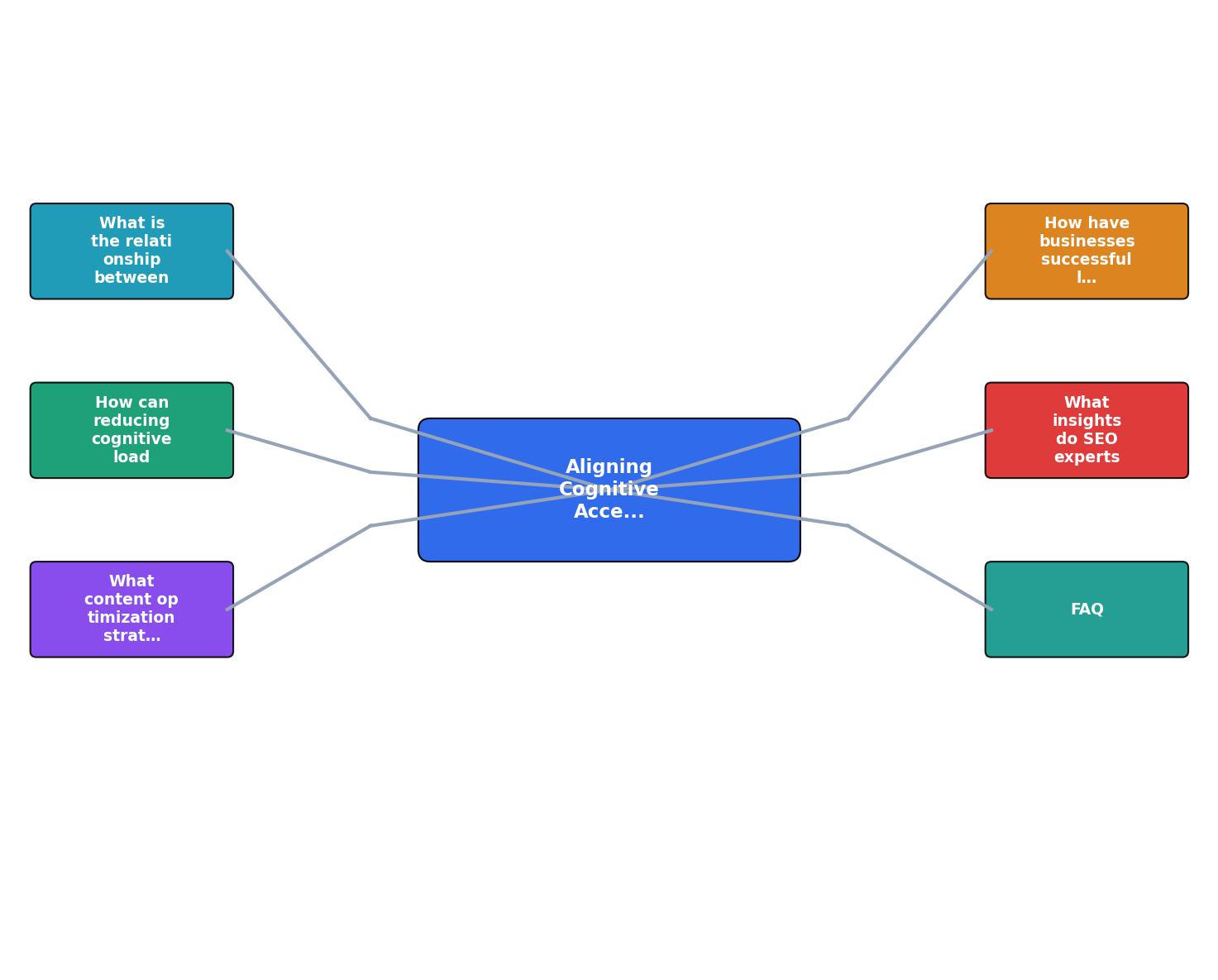
The steps break down like this:
- Audit your top landing pages for both cognitive load and SEO issues. Tools like PagePerson Insights can surface cognitive barriers that traditional SEO audits miss, such as competing calls-to-action, unclear headings, or overwhelming information density.
- Prioritize fixes by overlap. A confusing heading that hurts both accessibility and keyword targeting should be fixed before a minor alt-text issue.
- Simplify content. Rewrite dense paragraphs into scannable sections. Use bullet points for lists of three or more items. Replace jargon with plain terms.
- Structure pages with semantic HTML. Use proper heading hierarchy, landmark regions, and descriptive link text.
- Test with real users who represent diverse cognitive profiles. Watch where they hesitate, re-read, or abandon.
- Measure the impact on both accessibility scores and SEO metrics. Track bounce rate, dwell time, and conversion rate alongside accessibility compliance.
Voice Search and Cognitive Accessibility
Voice search adds another dimension to this overlap. When someone asks a voice assistant a question, the assistant pulls from pages that answer clearly and concisely. Pages optimized for cognitive accessibility already do this: short sentences, direct answers, structured content.
"Around 50% of American consumers reported using voice search regularly or daily, meaning brands that optimize their content for voice searching may be able to reach more customers than ever.">, Optimizing for All: The Intersection of Digital Accessibility and SEO
Voice search optimization and cognitive accessibility optimization are nearly identical tasks. Both require:
- Short, direct answers to specific questions
- Natural language instead of keyword-stuffed phrases
- Logical content structure that a machine can parse and a human can follow
Challenges and How to Solve Them
Integrating cognitive accessibility into SEO workflows is not without friction. Here are the most common obstacles and practical ways past them.
"Accessibility is a separate project"
This is the biggest blocker. When accessibility lives in a compliance silo and SEO lives in a marketing silo, neither team sees the overlap. The fix: create a shared checklist that both teams use during content reviews. A single review pass that checks heading structure, readability, link text, and keyword targeting saves time and catches more issues.
Measuring cognitive accessibility is hard
Traditional accessibility tools check for WCAG technical violations: missing alt text, insufficient contrast, broken ARIA labels. Cognitive accessibility is harder to automate because it involves comprehension, not just code. Tools like PagePerson Insights help bridge this gap by analyzing cognitive load factors that standard audits skip.
Content teams resist plain language
Writers sometimes feel that simplifying language means losing nuance or sounding unsophisticated. Show them the data. Pages rewritten in plain language consistently outperform their complex originals in both search rankings and conversion rates. The GOV.UK case study is a useful reference here.
Stakeholders want proof before investing
Run a controlled test. Pick two similar landing pages. Apply cognitive accessibility improvements to one and leave the other unchanged. After 30 days, compare bounce rate, dwell time, and conversion rate. The numbers speak for themselves.
| Siloed Approach | Integrated Approach |
|---|---|
| Separate accessibility and SEO audits | Single audit covering both |
| Duplicate effort across teams | Shared checklist, one review pass |
| Fixes sometimes conflict | Fixes compound each other |
| Hard to justify ROI | Combined metrics show clear gains |
| Cognitive issues often missed | Cognitive load assessed alongside SEO |
Practical Alignment Checklist
Use this checklist when reviewing any landing page or content update. Each item addresses both cognitive accessibility and SEO simultaneously.
Cognitive Accessibility + SEO Alignment Checklist
Your progress is saved automatically in your browser.
FAQ
Frequently Asked Questions
Additional Resources
- The Intersection of Digital Accessibility and SEO - In this blog, we'll discuss the intersection of digital accessibility and SEO and highlight some strategies we use at LinkNow to reach a wider audience and ...
- SEO and Web Accessibility: What You Need to Know - Here are six SEO concepts that work with accessibility guidelines that you can apply to your digital marketing and SEO strategy today.
- Ways to Enhance Search Engine Optimization (SEO) and ... - Explore the overlap between SEO best practices and web accessibility guidelines.