

In the bustling world of ecommerce, a seamless user experience can make or break your business. Cognitive load, the mental effort required to process information, plays a critical role in user decisions on ecommerce platforms. Complex navigation, overwhelming options, and poor design can deter users and impact sales. By understanding cognitive load and implementing strategies to reduce it, ecommerce sites can enhance user experience and drive conversions.

TL;DR
- Cognitive load influences user decisions on ecommerce platforms.
- Simplifying information and improving design can enhance user experience and boost sales.
- Strategies include optimizing navigation and reducing choice overload.
Understanding Cognitive Load in Ecommerce
Cognitive load refers to the total amount of mental effort being used in the working memory. In ecommerce, it is the effort a user expends to navigate a site, understand its content, and make purchasing decisions. A high cognitive load can lead to frustration, decision fatigue, and ultimately, cart abandonment. Conversely, reducing cognitive load can lead to a smoother user experience and higher conversion rates.
The concept of cognitive load originates from cognitive psychology and is often categorized into three types: intrinsic, extraneous, and germane. Intrinsic cognitive load pertains to the complexity inherent in the material being learned or processed. Extraneous cognitive load involves the way information or tasks are presented to the user, often unnecessarily complicating the process. Germane cognitive load is the mental effort required to create a schema or understanding of the content.
In ecommerce, the focus is primarily on reducing extraneous cognitive load, which can be manipulated through design and content optimization. For instance, a cluttered homepage with excessive information can increase the extraneous load, causing users to feel overwhelmed. By streamlining the design and providing clear, concise information, ecommerce platforms can effectively reduce this load.
How Cognitive Load Impacts User Decisions

When users visit an ecommerce site, they are often bombarded with information. From product descriptions to promotional offers, the sheer volume can be overwhelming. This overload can lead to decision fatigue, where users become so mentally exhausted that they either make poor decisions or abandon the site altogether.
A study on ecommerce behavior showed that 75% of users leave a site due to poor navigation and overwhelming options. This statistic highlights the critical importance of user-centric design. If potential customers find it difficult to complete a purchase due to a complicated interface, they are likely to switch to a competitor's site.
Moreover, cognitive load affects not only the immediate decision-making process but also the user's perception of the brand. A site that is easy to navigate and understand fosters trust and encourages repeat visits. In contrast, a site that is difficult to use can leave users with a negative impression, decreasing the likelihood of future interactions.
Common Cognitive Load Factors in Ecommerce
Several elements can contribute to cognitive load on ecommerce sites:
- Complex Navigation: Poorly structured menus and links can confuse users. Navigation should be intuitive, with a clear path to products and checkout. This can be achieved through a well-organized menu system and the use of breadcrumbs to help users track their location within the site.
- Option Overload: Too many choices can overwhelm users, leading to indecision. While offering a variety of products is important, presenting too many options at once can be counterproductive. Techniques such as filtering, sorting, and personalized recommendations can help manage this overload.
- Inconsistent Design: Lack of uniformity in design can make information processing difficult. Consistency in layout, color schemes, and typography helps users quickly understand the structure of the site and locate information efficiently.
- Poorly Written Content: Jargon-heavy or unclear text increases cognitive effort. Product descriptions and other content should be straightforward, using language that is accessible to the average consumer. Bullet points and short paragraphs can aid in readability.
Pro tip: Streamline your site's navigation to ensure users can find what they need with minimal effort.
Reducing Cognitive Load on Ecommerce Sites

Reducing cognitive load involves simplifying and optimizing various elements of the ecommerce site. Here are some strategies:
- Simplified Navigation: Use clear, concise labels and logical menu structures. Consider employing mega menus for large sites, which allow users to see all options at a glance without being overwhelmed.
- Clear Product Descriptions: Write descriptions that are easy to read and free of jargon. Highlight key features and benefits using bullet points, and include visuals where possible to aid understanding.
- Consistent Design: Maintain uniformity across the site to aid in information processing. This includes using consistent fonts, colors, and button styles. A consistent design helps users predict where to find information based on previous interactions.
- Optimized Search Functionality: Ensure the search bar is easy to find and use, providing relevant results. Implementing features such as autocomplete and filters can help users refine their searches and find products more quickly.
- Visual Hierarchy: Use design elements like size, color, and spacing to guide users' attention to the most important information. This can include highlighting calls to action or important product details.
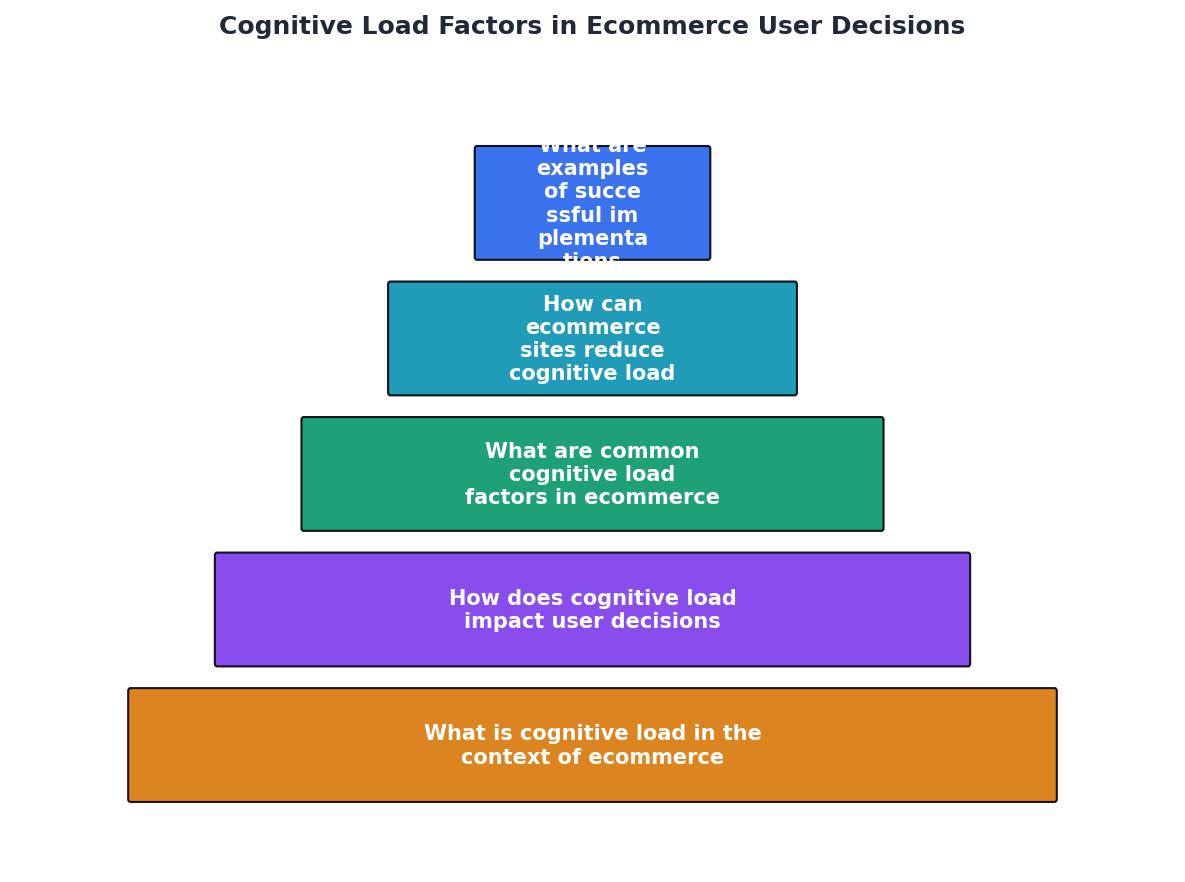
Example of Successful Implementation
Consider an ecommerce platform that reduced its cognitive load by revamping its navigation and streamlining its product pages. The result was a 20% increase in conversion rates. This platform focused on simplifying its menu system, ensuring that users could easily find categories and products without unnecessary clicks. Additionally, they improved the readability of their product descriptions by using bullet points and clear, concise language. This approach not only enhanced user satisfaction but also boosted sales, demonstrating the tangible benefits of cognitive load optimization.
Checklist for Assessing and Optimizing Cognitive Load
To ensure your ecommerce platform minimizes cognitive load, follow this checklist:
Cognitive Load Optimization Checklist
Your progress is saved automatically in your browser.
FAQ
Frequently Asked Questions
Have you noticed how cognitive load affects your own online shopping experiences? Share your thoughts and strategies in the comments!
Additional Resources
- Cognitive Load in eCommerce Applications ... - Cognitive load, that is, working memory demands during problem solving, reasoning, or thinking, may affect users′ general satisfaction and ...
- (PDF) Cognitive Load in eCommerce Applications ... - Cognitive load, that is, working memory demands during problem solving, reasoning, or thinking, may affect users' general satisfaction and performance when ...
- Cognitive Load and User Experience in E-Commerce ... - High cognitive load in e-commerce can manifest when users struggle to locate products, interpret information, or navigate complex menus. Such overload leads to ...