
Most accessibility audits still stop at contrast ratios and alt text. Meanwhile, the largest category of disability on the planet goes almost entirely unaddressed in design tooling and review processes. The next wave of UX design will not just check visual compliance boxes but will actively measure and reduce cognitive friction for every visitor. Understanding where that wave is heading gives you a concrete advantage right now.

- Cognitive accessibility is moving from a niche concern to a core design system requirement, driven by regulation, AI tooling, and growing user expectations.
- Technologies like adaptive interfaces, real-time cognitive load detection, and AI-driven content simplification will reshape how designers build experiences.
- Designers who integrate cognitive accessibility into their workflows now will ship more inclusive products and have stronger evidence to justify design decisions.
Where cognitive accessibility stands today
Accessibility conversations in most design teams still orbit around WCAG 2.x success criteria: color contrast, keyboard navigation, screen reader compatibility. These matter. But they represent a fraction of the accessibility picture.
"This is despite the fact that cognitive disability is the most prevalent form of disability, affecting nearly 19% of the global population.">, Cognitive accessibility is the future of UX
That 19% includes people with ADHD, dyslexia, autism, anxiety disorders, traumatic brain injuries, and age-related cognitive decline. It also includes temporary states: sleep deprivation, stress, multitasking, unfamiliar language contexts. Every user experiences cognitive friction at some point. The difference is whether your interface accounts for it or ignores it.
Right now, the gap between visual/motor accessibility tooling and cognitive accessibility tooling is enormous. Automated scanners catch missing alt attributes in milliseconds. Detecting whether a checkout flow overwhelms a user with working memory limitations? That requires a fundamentally different approach.

Emerging trends reshaping the field
Several trends are converging to push cognitive accessibility from afterthought to design priority. Here are the ones with the most momentum:
- WCAG 3.0 and cognitive criteria - The W3C's next major accessibility guidelines version expands cognitive accessibility requirements significantly. New success criteria around clear language, predictable navigation, and error prevention target cognitive load directly.
- European Accessibility Act (EAA) enforcement - Starting June 2025, the EAA requires digital products and services across the EU to meet accessibility standards that include cognitive considerations. Companies selling into European markets cannot ignore this.
- Neurodiversity-aware design practices - Design teams at companies like Microsoft, Google, and BBC have published neurodiversity design guidelines. These are moving from internal documents to industry-standard references.
- Cognitive load as a measurable metric - Tools are emerging that quantify cognitive load on a page rather than leaving it as a subjective judgment. This shifts the conversation from "I think this is confusing" to "this page scores 78 on cognitive complexity."
- Personalization and adaptive interfaces - Interfaces that adjust complexity, information density, and interaction patterns based on user preferences or detected behavior patterns.
The shift is real but uneven. Large organizations with compliance obligations lead adoption. Startups and agencies follow when they see the conversion impact or when clients demand it.
How technology will change the game

Technology is the accelerant. Three categories of innovation will have the biggest impact on cognitive accessibility in UX design over the next few years.
AI-driven content analysis
Large language models can already evaluate reading level, sentence complexity, and jargon density. The next step is context-aware analysis: does this error message make sense to someone who has never used this product before? Does this onboarding flow assume knowledge the user does not have?
Tools like PagePerson Insights already analyze websites for cognitive accessibility barriers, surfacing specific comprehension issues that traditional audits miss. Expect this category to grow rapidly as AI models improve at understanding user intent and cognitive context.
Adaptive and responsive complexity
Static interfaces serve one level of complexity to every user. Adaptive interfaces adjust. This goes beyond responsive layout. Think:
- Simplified mode that reduces options, hides advanced features, and uses shorter sentences
- Progressive disclosure that reveals complexity only when the user signals readiness
- Dynamic content adjustment based on reading speed, scroll behavior, or explicit user preferences
Real-time cognitive load signals
Browser APIs and device sensors are getting better at detecting user state. Eye tracking (already in some laptops and VR headsets), interaction hesitation patterns, and error frequency can serve as proxy signals for cognitive overload. Designers will eventually have dashboards showing where users cognitively stall, not just where they click.
What users will expect next

User expectations do not stay static. Three shifts are already underway:
Plain language as default. Users increasingly expect interfaces to communicate clearly without requiring domain expertise. Government digital services in the UK (GOV.UK) and the US (USDS) set the standard years ago. Commercial products are catching up. If your SaaS dashboard requires a glossary, you are behind.
Consistent, predictable patterns. Users with cognitive disabilities rely heavily on consistency. But so does everyone else. The expectation that navigation, button placement, and interaction patterns remain predictable across an application is becoming non-negotiable. Design systems that enforce consistency at the component level are the mechanism here.
Control over information density. Users want to choose how much they see. Some want the full data table. Others want three key numbers and a summary. Offering density controls is not a luxury feature; it is an accessibility feature that benefits the entire user base.
The 42% figure is not hypothetical. It accounts for permanent cognitive disabilities, temporary cognitive states, and situational factors like using a phone while walking. Designing for this reality is not charity. It is competence.
Integrating into design systems
The most effective way to make cognitive accessibility sustainable is to embed it into your design system. One-off audits help, but they do not scale. Here is how the integration works in practice.
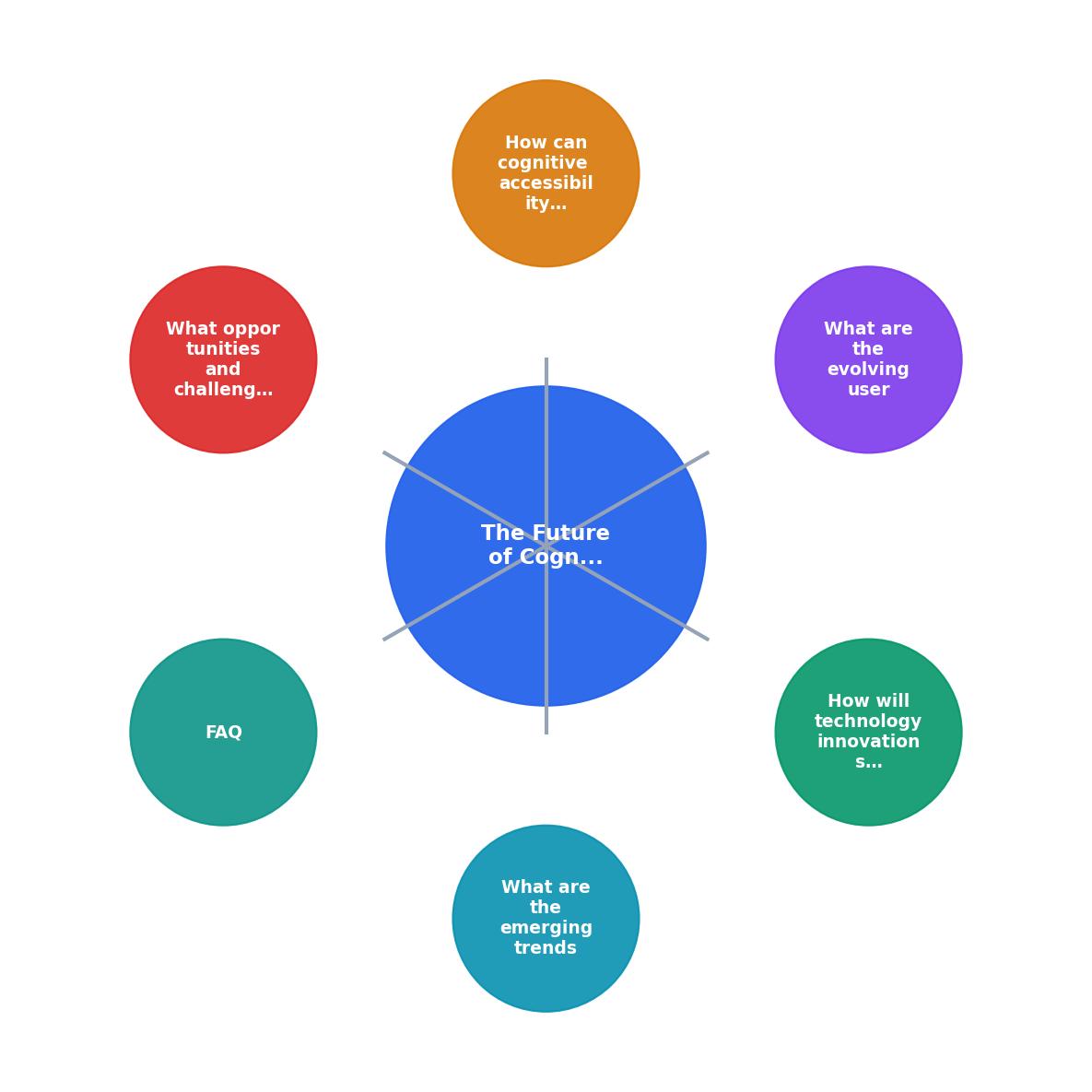
The process follows five steps: Audit existing components, Define cognitive criteria, Update component specs, Test with diverse users, and Monitor continuously.
Audit existing components
Review every component in your design system for cognitive load. Forms, modals, navigation menus, error states, and onboarding flows are the highest-impact areas. Document where cognitive friction exists: ambiguous labels, too many options, unclear error messages, inconsistent patterns.
Define cognitive accessibility criteria
Create explicit criteria that components must meet. Examples:
- Maximum reading level for any user-facing text (aim for grade 8 or lower)
- Maximum number of choices presented simultaneously (Miller's Law: 7 plus or minus 2, but lower is better for cognitive accessibility)
- Required use of progressive disclosure for complex forms
- Mandatory clear-language error messages with recovery instructions
Update component specifications
Bake the criteria into component documentation. A button component spec already defines size, color, and spacing. Add: label character limit, required action verb, prohibited jargon terms. A form component spec should define maximum fields per visible step, required inline validation, and plain-language helper text standards.
Test with diverse users
Usability testing with participants who have cognitive disabilities reveals issues that no automated tool catches. Recruit participants with ADHD, dyslexia, and low digital literacy. Even three to five participants per round surfaces critical problems.
Monitor continuously
Cognitive accessibility is not a one-time project. Use tools that continuously scan for regressions. When a developer adds a new error message or a content writer updates a landing page, automated checks should flag cognitive accessibility violations the same way linters flag code issues.
The following dashboard illustrates what a cognitive accessibility monitoring setup looks like for a typical design system with 50-80 components:
Cognitive Accessibility Dashboard
Opportunities and challenges ahead
The opportunity is clear: designers who build cognitive accessibility expertise now position themselves as essential. Every organization shipping digital products will need this skill set. The demand already outpaces supply.
But challenges exist:
- Lack of standardized metrics. Unlike color contrast (a simple ratio), cognitive load does not have a single universally accepted measurement. Multiple frameworks compete, and none is dominant yet.
- Testing recruitment difficulty. Finding usability test participants with specific cognitive disabilities requires specialized recruitment channels and often higher incentive budgets.
- Resistance to "dumbing down." Stakeholders sometimes perceive plain language and reduced complexity as making the product less sophisticated. This is wrong, but the perception persists and requires education.
- Tooling immaturity. Cognitive accessibility tools are where visual accessibility tools were ten years ago. They work, but coverage is incomplete and false positives are common.
The gap between 35% adoption now and the projected 65% by 2027 represents a window. Designers who close that gap for their teams will drive measurable improvements in both inclusion and conversion.
Integrating Cognitive Accessibility Into Your Design System
Your progress is saved automatically in your browser.
FAQ
Frequently Asked Questions
Additional Resources
- Cognitive accessibility is the future of UX - We're making cognitive accessibility a priority. We're expanding our tester community to formally recognize and engage individuals with cognitive disabilities.
- Cognitive Accessibility: A New Frontier in UX Design - Cognitive Accessibility is becoming one of the most important aspects of modern UX and most teams still don't realise it.
- Designing for the edge: disability ux and the future of ... - Why designing for cognitive diversity is the future of Inclusive Design. What is cognition and why it matters in Inclusive Design · A clap icon ...