
Improving landing page conversions is crucial for any business seeking to maximize their digital presence. Cognitive accessibility, which involves designing websites that are easy for everyone to understand, plays a pivotal role in this process. By focusing on simplifying content and enhancing visual clarity, businesses can significantly boost conversion rates. This article explores practical strategies and tools to assess and improve cognitive accessibility on landing pages.
TL;DR: Enhancing cognitive accessibility on landing pages by simplifying content and improving visual clarity can significantly increase conversion rates. Practical tools and strategies can help assess and enhance these elements.
In today's competitive digital landscape, ensuring that your landing page converts visitors into customers is more important than ever. While many factors contribute to conversion rates, cognitive accessibility is often overlooked. This aspect focuses on how easily visitors can understand and interact with your content. By addressing cognitive barriers, you can enhance user experience and, consequently, improve conversions. Let's delve into why this matters and how you can achieve it.
Why is Cognitive Accessibility Important for Landing Pages?

Cognitive accessibility is crucial because it directly impacts user engagement and conversion rates. When a landing page is difficult to understand or navigate, visitors are more likely to leave without taking the desired action. This issue is particularly significant given that a substantial portion of the population, including individuals with ADHD, dyslexia, or other cognitive conditions, may find traditional web design challenging.
Boldly focusing on cognitive accessibility can lead to a more inclusive user experience. By ensuring everyone can comprehend your content, you open your business to a wider audience and increase the likelihood of conversions.
What are the Key Cognitive Barriers on Landing Pages?

Cognitive barriers on landing pages often include cluttered layouts, dense text, and confusing navigation. These elements can overwhelm visitors and prevent them from easily finding the information they need. Here are some common barriers:
- Cluttered Layouts: Too many elements on a page can distract and confuse users, leading to a high bounce rate.
- Dense Text: Large blocks of text without breaks are intimidating and difficult to read.
- Complex Navigation: If users cannot easily find what they are looking for, they are likely to leave the site.
Key Metrics
These metrics illustrate the impact of addressing cognitive barriers: a 15% improvement in conversion rates and a 20% reduction in bounce rates can significantly affect your bottom line.
How Can Content Simplification Improve Conversions?

Simplifying content is one of the most effective strategies for improving conversions. Clear and concise messaging helps users quickly understand your value proposition and encourages them to take action. Here are some strategies:
- Use Simple Language: Avoid jargon and technical terms unless absolutely necessary.
- Break Up Text: Use bullet points, headings, and short paragraphs to make information digestible.
- Focus on Key Messages: Prioritize the most important information and eliminate unnecessary details.
What Tools Can Assess Cognitive Accessibility on Landing Pages?
Several tools can help assess and improve cognitive accessibility. These tools analyze different aspects of your landing page and provide actionable insights:
- PagePerson Insights: This Chrome extension analyzes websites for cognitive accessibility, highlighting areas where visitors may struggle.
- WAVE Accessibility Tool: Offers visual feedback about the accessibility of your web content.
- A11y Project: Provides a variety of resources for improving website accessibility.
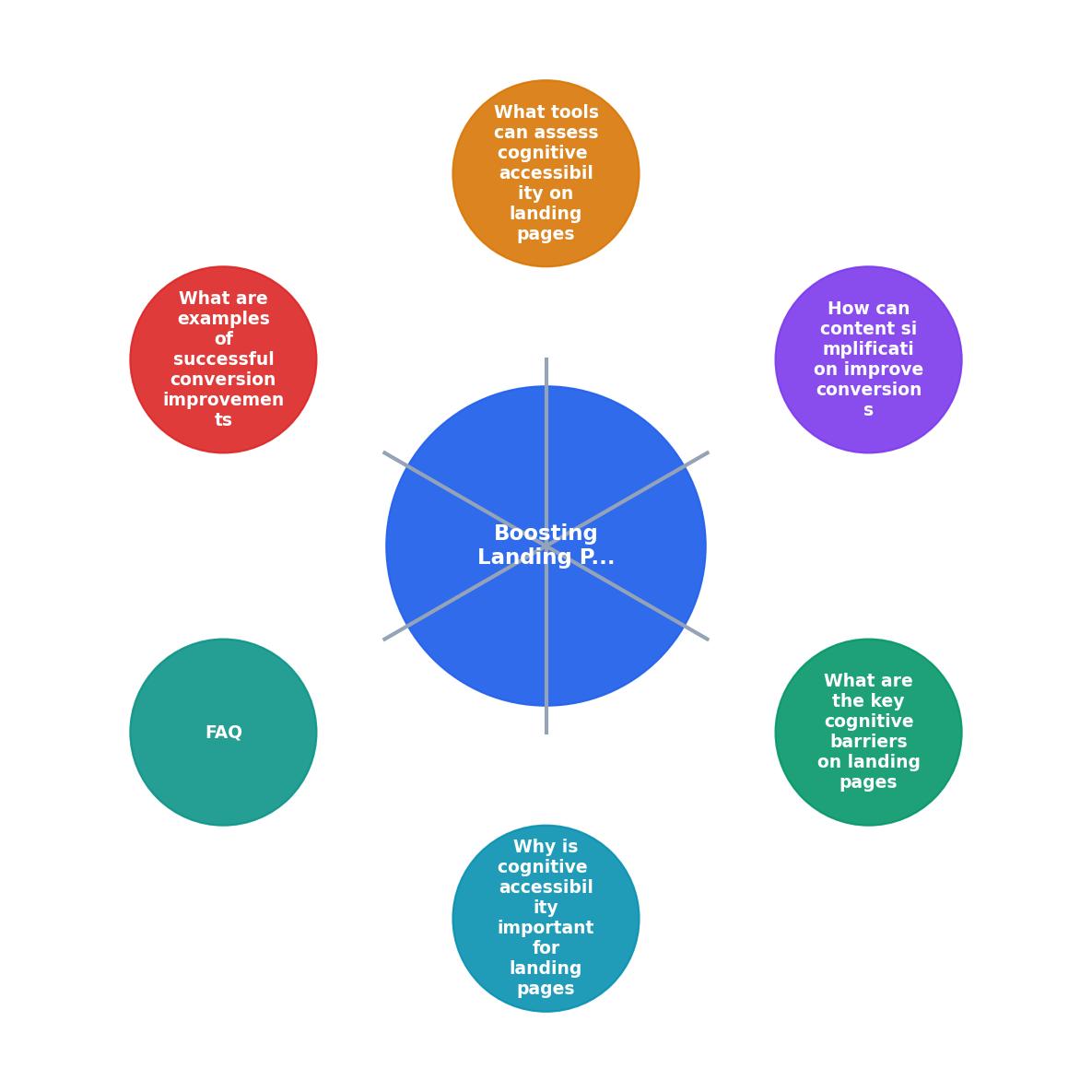
What are Examples of Successful Conversion Improvements?
- Company A: Reduced bounce rates by 25% after simplifying their landing page content and layout.
- Company B: Increased conversions by 30% by implementing clear calls to action and reducing visual clutter.
Template for Designing Cognitively Accessible Landing Pages
Your progress is saved automatically in your browser.
FAQ
Frequently Asked Questions
What strategies have you found effective in improving the cognitive accessibility of your landing pages? Share your experiences in the comments below.
Additional Resources
- Landing page best practices & accessibility: SEO and PPC - Implementing accessible elements on your landing page · Write with clear, easy to understand language · Utilize proper color contrast · Implement ...
- Landing Page Best Practices - Create high-converting, mobile-responsive landing pages using proven design, accessibility, and conversion strategies.
- Landing Page Best Practices to Boost Conversions - Follow these landing page best practices to generate leads, inspire action, and increase conversions.