

Measuring cognitive load on your website can mean the difference between a visitor bouncing away confused and a successful conversion. Understanding how users interact with your site allows you to identify barriers to comprehension and optimize the user experience. Tools such as eye-tracking software and user testing platforms provide insights into cognitive overload, helping you make data-driven improvements.

- Cognitive load measurement improves user experience and conversion rates.
- Eye-tracking and user testing tools help identify cognitive barriers.
- Real-world examples show how data-driven optimizations can enhance website performance.
What is Cognitive Load and Why Does It Matter for Websites?
Cognitive load is the amount of mental effort required to process information. In web design, high cognitive load can lead to confusion and frustration among users, causing them to leave the site without converting. It's crucial to minimize cognitive load to improve user experience and increase conversion rates.
Cognitive load matters because it directly impacts how users interact with your website. A site that is easy to navigate and understand will likely retain visitors longer and encourage them to take desired actions, such as making a purchase or signing up for a newsletter.
How Can Eye-Tracking Software Measure Cognitive Load?

Eye-tracking software is a effective tool for measuring cognitive load. It tracks where and how long users look at different parts of a webpage, providing insights into their focus and attention. By analyzing these patterns, you can identify areas of high cognitive load and make necessary adjustments to simplify the user experience.
Eye-tracking tools, such as Tobii Pro and EyeTech, allow you to visualize user interactions and pinpoint where they struggle. These insights can guide you in redesigning elements to reduce cognitive load, leading to a more intuitive website.
What Role Do User Testing Platforms Play in Assessing Cognitive Load?
User testing platforms are invaluable for assessing cognitive load. They allow real users to interact with your website while providing feedback on their experience. This feedback helps identify areas where users struggle, offering a clear picture of your site's cognitive demands.
Platforms like UserTesting and Lookback provide video recordings and user feedback, highlighting specific issues that contribute to cognitive overload. By addressing these issues, you can enhance user experience and improve conversion rates.
How Do You Set Up a Cognitive Load Assessment?
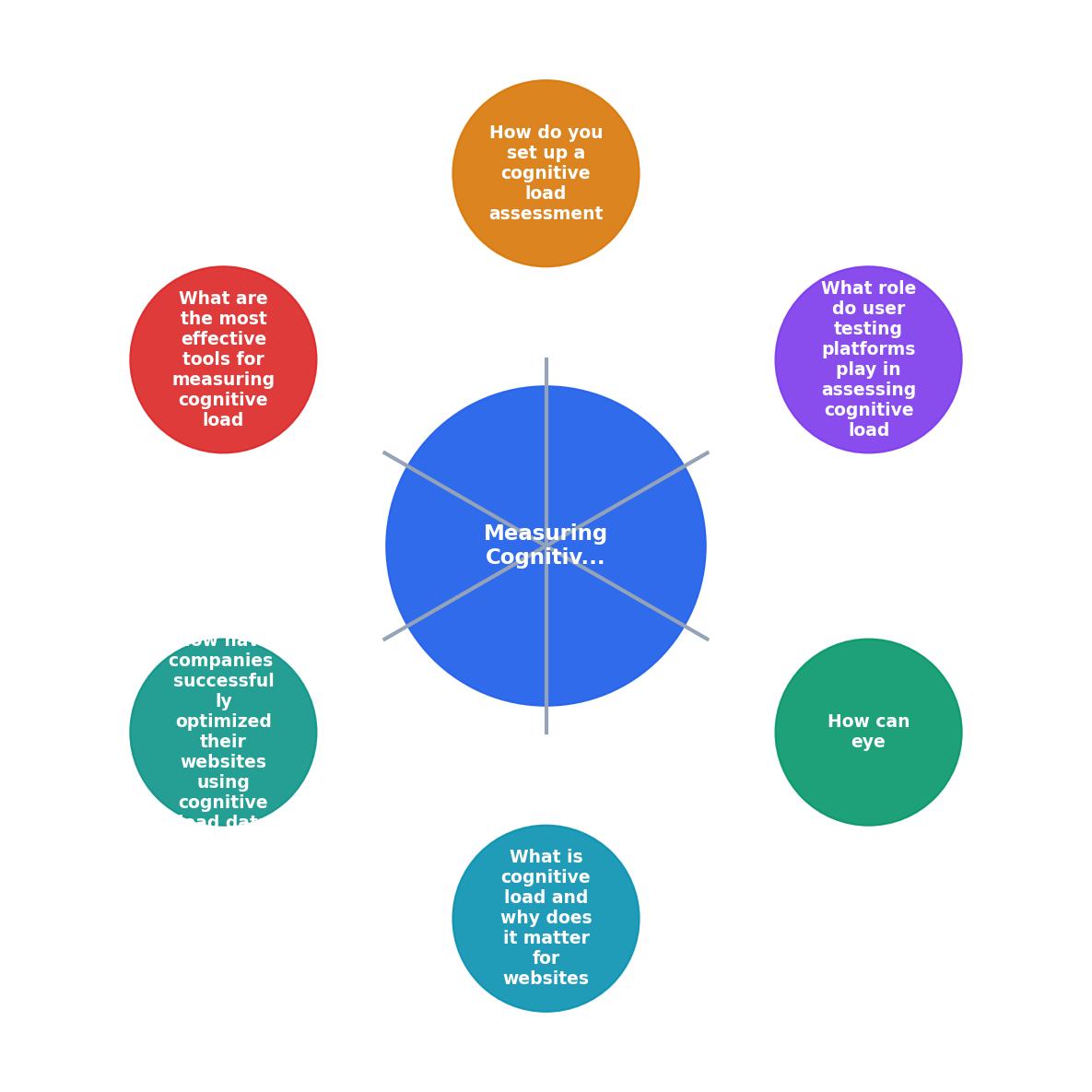
Setting up a cognitive load assessment involves several steps:
- Define Objectives: Determine what you want to measure and why.
- Select Tools: Choose appropriate tools like eye-tracking software and user testing platforms.
- Recruit Participants: Gather a diverse group of test participants.
- Conduct Tests: Run tests with participants, collecting data on their interactions.
- Analyze Data: Examine the data to identify high cognitive load areas.
- Implement Changes: Make data-driven changes to improve user experience.
What Are the Most Effective Tools for Measuring Cognitive Load?

Several tools are effective for measuring cognitive load:
- Tobii Pro: Offers advanced eye-tracking capabilities.
- UserTesting: Provides user feedback and session recordings.
- EyeTech: Delivers detailed eye-tracking data.
- Lookback: Allows for real-time user testing and feedback.
"The most straightforward way to find out if someone is experiencing high cognitive load is simply to ask them.">, Emotiv
How Have Companies Successfully Optimized Their Websites Using Cognitive Load Data?

Companies like Amazon and Netflix have successfully used cognitive load data to optimize their websites. By analyzing user interactions and feedback, they identified areas of high cognitive load and made strategic changes to simplify navigation and improve content clarity.
For example, Amazon streamlined its checkout process to reduce cognitive load, resulting in higher conversion rates. Similarly, Netflix improved its user interface by simplifying content discovery, enhancing user satisfaction and retention.
Key takeaway: Measuring and optimizing cognitive load can significantly enhance user experience and boost conversions.
Steps to Reduce Cognitive Load on Your Website
Your progress is saved automatically in your browser.
FAQ
Frequently Asked Questions
Ready to dive into cognitive load optimization on your website? Share your experiences and questions in the comments below!
Additional Resources
- Brain Data Measuring Hardware and Software Solutions - If you need a quick and straightforward way to measure cognitive load, the Paas Scale is an excellent choice. Developed in the early 1990s, it's a simple rating ...
- Cognitive Load Theory and Its Impact on Diagnostic Accuracy - Subjective measurement tools are generally represented by retrospective surveys and questionnaires that aim to measure the respondent's perceived workload or ...
- The Impact of Information Quantity on Cognitive Load and ... - Multiple subjective rating measurements are frequently used for measuring cognitive load, such as NASA task load index (TLX), Paas's nine-point mental effort ...