Adjusting Call-to-Action Buttons for Better Comprehension
Call-to-action buttons are more than just digital signposts; they are effective tools guiding users towards desired actions. If these buttons are unclear or poorly designed, they can become obstacles rather than facilitators. By optimizing the size, color, placement, and wording of CTA buttons, you can significantly enhance user comprehension and boost conversion rates. This article explores how to refine your CTA buttons to ensure they effectively communicate their purpose and drive user engagement.

Call-to-action buttons are more than just digital signposts; they are effective tools guiding users towards desired actions. If these buttons are unclear or poorly designed, they can become obstacles rather than facilitators. By optimizing the size, color, placement, and wording of CTA buttons, you can significantly enhance user comprehension and boost conversion rates. This article explores how to refine your CTA buttons to ensure they effectively communicate their purpose and drive user engagement.

TL;DR
- Optimize CTA buttons by adjusting size, color, placement, and wording.
- Enhanced CTAs improve user comprehension and boost conversions.
- Effective CTAs are visible, compelling, and strategically placed.
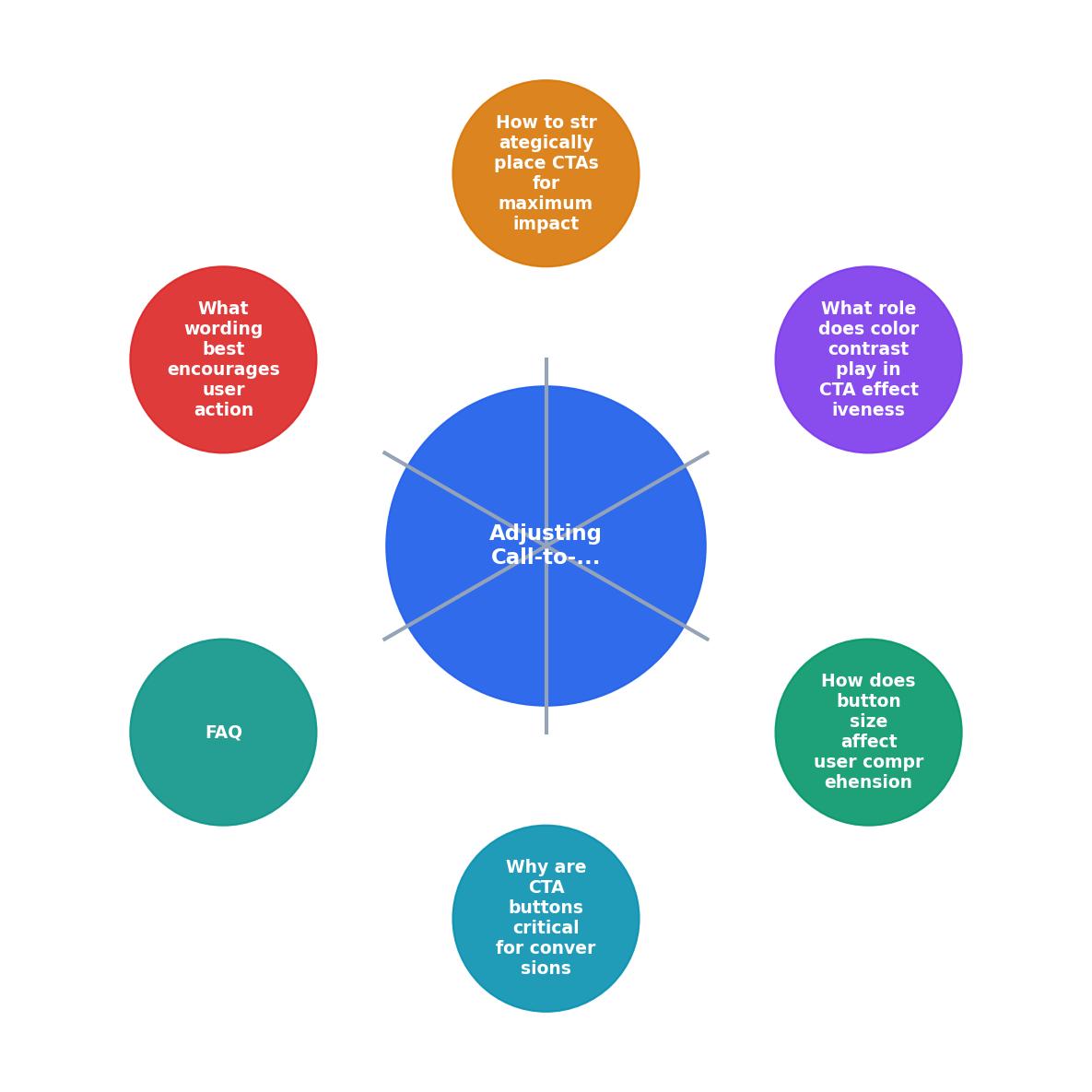
Why Are CTA Buttons Critical for Conversions?
CTA buttons are the gateway to conversion. They direct users towards taking specific actions, such as signing up for a newsletter, making a purchase, or downloading a resource. Without effective CTAs, users might navigate away without completing these desired actions, leading to missed opportunities.

A well-designed CTA button does more than just stand out; it communicates value and urgency. By clearly conveying the next step, CTAs help reduce friction in the user journey, making it easier for visitors to interact with your website and fulfill conversion goals.
How Does Button Size Affect User Comprehension?
The size of your CTA button can greatly influence its visibility and the likelihood of user interaction. A button that is too small may go unnoticed, while one that is too large can overwhelm the user interface. Striking the right balance is key.
Larger buttons tend to be more noticeable and easier to click, especially on mobile devices. However, they should not dominate the page or distract from other important content. Ensure your CTA buttons are appropriately sized for their context, providing a clear and inviting target for users to engage with.
What Role Does Color Contrast Play in CTA Effectiveness?
Color is a effective tool in CTA design. The right color contrast can make a button stand out and draw the user's attention. When selecting colors for your CTA buttons, consider the overall color scheme of your website and choose a contrasting color that complements it.

A high-contrast button is more likely to be noticed and clicked. For instance, if your website's primary color is blue, a bright orange CTA button can create a strong visual contrast, making it more appealing to users. Always ensure that the button's text is legible against its background color.
How to Strategically Place CTAs for Maximum Impact
Placement is crucial for CTA effectiveness. Ideally, a CTA button should be located where it naturally follows the user's attention flow. Common placements include above the fold, at the end of a product description, or within a scrolling page at logical breakpoints.
Strategically placed CTAs can guide users through the conversion funnel, encouraging them to take action at the right moment. Test different placements to determine where your users are most likely to engage with your CTAs.

What Wording Best Encourages User Action?
The wording of your CTA button is just as important as its design. Effective CTA text is clear, concise, and action-oriented. It should communicate exactly what the user can expect by clicking the button.
"Most are no longer than five to seven words.">, What is a call
Use verbs that convey action and urgency, such as "Get Started," "Download Now," or "Sign Up Today." Avoid vague terms like "Click Here" or "Submit," which do not convey the benefit of taking action.
Pro tip: Test different CTA texts to see which resonates most with your audience. A/B testing can provide valuable insights into which phrasing drives the most conversions.
Testing and Refining CTA Elements
To maximize the effectiveness of your CTA buttons, regularly test and refine their elements. Use analytics tools to track user interactions and identify areas for improvement. A/B testing can help you compare different designs, placements, and wordings to determine what works best for your audience.
CTA Button Optimization Checklist
Your progress is saved automatically in your browser.
Custom HTML Visualization:
Understanding the impact of CTA optimization can be challenging without visual representation. Below is an example of how different elements contribute to the effectiveness of CTA buttons.
CTA Elements Impact
FAQ
Frequently Asked Questions
Have you tried optimizing your CTA buttons? Share your experiences and challenges in the comments below!
Additional Resources
- What is a call-to-action (CTA)? - An effective call to action clearly communicates what the user can expect when they click on a button or take the next action, which can improve click-through ...
- Call to Action Buttons: Examples and Best Practices - When designing a call to action button, think of all the potential questions users will have, and make sure that you answer them in time.
- [Calls-To-Action: Best Practices in Email Marketing [Guide]](https://www.litmus.com/blog/click-tap-and-touch-a-guide-to-cta-best-practices) - Learn call-to-action (CTA) best practices for email marketing in this guide—complete with examples, tips, how-tos, and more.
Need Help with Accessibility?
Improve your site's accessibility and conversion rates with our AI-powered analysis.
Get Started