Cognitive Accessibility Checklist for SaaS Landing Pages
Cognitive accessibility is crucial for SaaS landing pages to ensure all users, including those with cognitive disabilities, can easily navigate and comprehend the content. This not only enhances user experience but significantly boosts conversion rates. Simplifying navigation, improving text readability, and designing effective call-to-action buttons are key strategies in overcoming cognitive barriers.

Cognitive accessibility is crucial for SaaS landing pages to ensure all users, including those with cognitive disabilities, can easily navigate and comprehend the content. This not only enhances user experience but significantly boosts conversion rates. Simplifying navigation, improving text readability, and designing effective call-to-action buttons are key strategies in overcoming cognitive barriers.

- Simplify navigation to reduce cognitive load.
- Enhance text readability for better comprehension.
- Design clear and compelling call-to-action buttons.
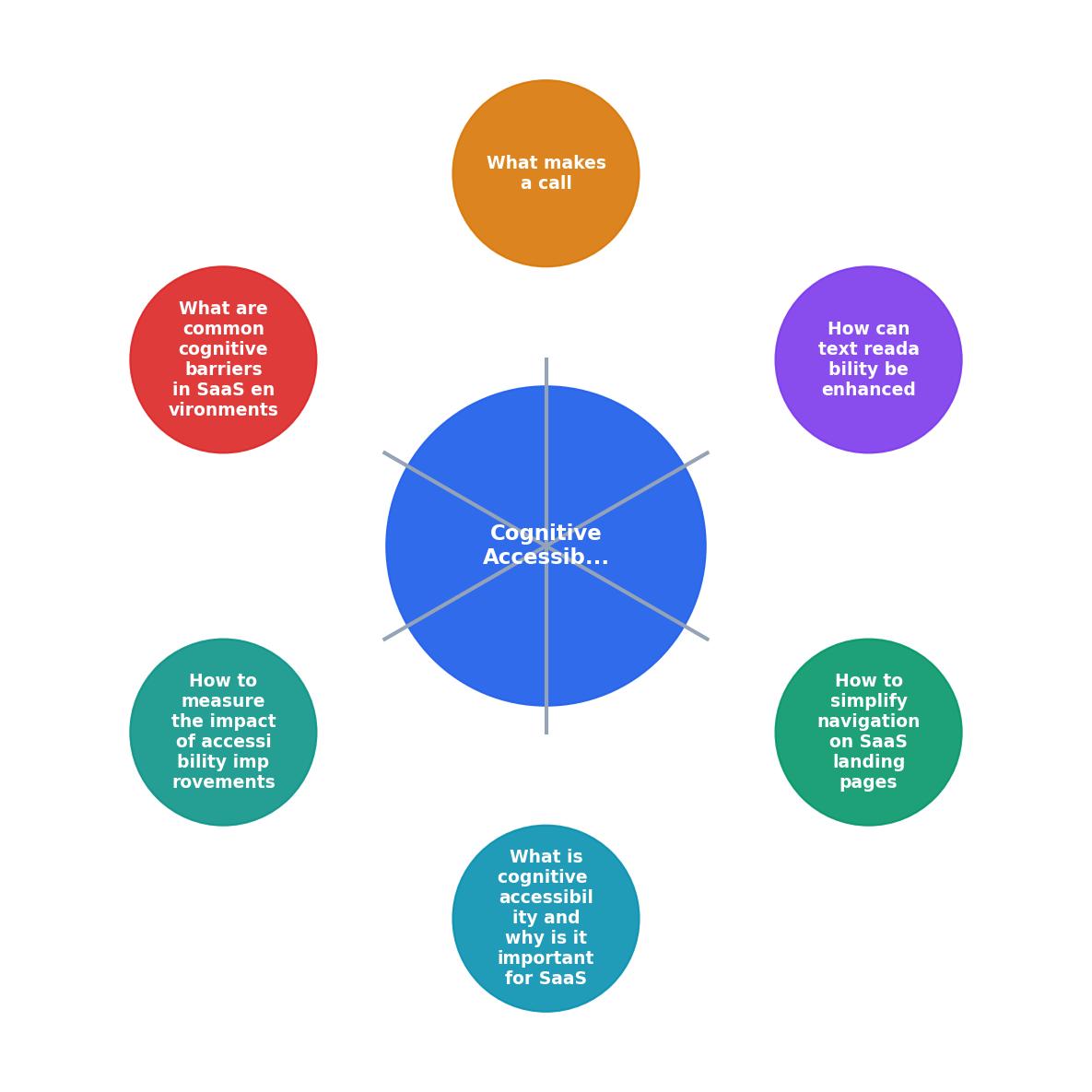
What is Cognitive Accessibility and Why is it Important for SaaS?
Cognitive accessibility refers to the design of digital content that can be easily understood and navigated by individuals with cognitive disabilities. This includes users with ADHD, dyslexia, or any condition that affects their cognitive processing. Cognitive disabilities affect how information is processed and understood, making it crucial for digital interfaces to be designed with clarity and simplicity.

"If [your page] isn’t accessible, you’re losing customers."
— Best Practices for Accessible Landing Pages, Best Practices for Accessible Landing Pages
How to Simplify Navigation on SaaS Landing Pages?
Simplifying navigation is one of the most effective ways to reduce cognitive load. The navigation structure should be intuitive and straightforward, guiding users effortlessly to the information they seek. Begin by limiting the number of menu items to the essentials. Overloaded menus can overwhelm users, leading to frustration and abandonment.
Use clear, descriptive labels for each navigation item to ensure users understand where each link will take them. This is particularly important for users with cognitive disabilities, as ambiguous or technical terms can create confusion. Additionally, consider implementing a breadcrumb trail to help users keep track of their location within the site. Breadcrumbs provide a visual hierarchy and context, which can be comforting and reassuring for users navigating through complex information.
Furthermore, incorporating a search function can greatly enhance navigability. For users who prefer direct access to specific information, a search bar offers a quick and efficient alternative to browsing through menus.

How Can Text Readability Be Enhanced?
Improving text readability is crucial for cognitive accessibility. Text should be presented in a way that is easy to read and understand at a glance. Use clear fonts that are sans-serif, as they are generally easier to read on screens. Ensure there is sufficient contrast between text and background to accommodate users with visual impairments or dyslexia.
Break down complex information into bullet points or numbered lists to make it easier to digest. This format allows users to scan content quickly and retain key points without getting bogged down by dense paragraphs. Avoid jargon and technical terms unless they are necessary, and if used, provide definitions or explanations. This is especially important in SaaS environments where industry-specific language can alienate new users.
Moreover, consider the line length and spacing of your text. Text blocks that are too wide can be difficult to read, while adequate line spacing can prevent the text from looking cramped. Implementing these practices can significantly enhance the readability of your content, making it more accessible to a wider audience.
What Makes a Call-to-Action Button Effective?
An effective call-to-action (CTA) button is easy to find and understand. The design and placement of your CTA buttons can significantly influence user behavior and conversion rates. Use a bold color that stands out from the rest of the page, drawing the user's eye to the desired action. The color should contrast with other elements on the page to ensure it is easily distinguishable.
Use action-oriented text that clearly states what will happen when the button is clicked. For example, "Get Started" or "Sign Up Now" are preferable to vague phrases like "Submit." The language should be straightforward and devoid of ambiguity, making the next step clear to the user.
The size and shape of the CTA button should also be considered. It should be large enough to be easily clickable but not so large that it overwhelms other content. The button's placement is equally important; it should be located in a prominent position where users naturally look, such as near the top of the page or at the end of a persuasive section of text.
What Are Common Cognitive Barriers in SaaS Environments?
Common cognitive barriers include complex navigation, poor text readability, and unclear CTAs. These barriers can prevent users from effectively engaging with your content, leading to higher bounce rates and lost opportunities.
To overcome these, ensure that all interactive elements are easily identifiable. Use consistent design patterns and familiar icons to help users understand how to interact with your site. Any multimedia content should include captions or transcripts to cater to users who benefit from multiple modes of information presentation.
Regularly test your landing page with users who have cognitive disabilities to identify and address any barriers they encounter. User testing can provide invaluable insights into how real people interact with your site, revealing issues that may not be apparent through automated testing alone.

How to Measure the Impact of Accessibility Improvements?
To measure the impact of cognitive accessibility improvements, track key metrics such as bounce rates, conversion rates, and time on page. A decrease in bounce rates and an increase in conversions can indicate that your accessibility enhancements are effective. By monitoring these metrics over time, you can assess whether changes to your landing page are having the desired effect.
Use tools like PagePerson Insights to identify areas for improvement and track changes over time. These tools can provide detailed analytics on user behavior, highlighting where users may be encountering difficulties. Heatmaps, for example, can show where users are clicking and how far they scroll, offering clues about which elements are engaging or confusing.
Cognitive Accessibility Audit Checklist
Your progress is saved automatically in your browser.
FAQ
Frequently Asked Questions
Additional Resources
- Best Practices for Accessible Landing Pages - 4 Tips for Accessible Landing Pages · 1. Keep Your Copy Short and Descriptive · 2. Make Sure Your Form Is Accessible · 3. Design for Sound Off · 4.
- Creating Accessible Landing Pages: 5 Tips - 1. Don't treat accessibility as an afterthought · 2. Don't rely on images, video, or audio to convey information · 3. Make sure people have ...
- Website Accessibility Checklist - Website Accessibility Checklist ... Helps users with cognitive disabilities or those unfamiliar with the required format complete the form successfully.
Need Help with Accessibility?
Improve your site's accessibility and conversion rates with our AI-powered analysis.
Get Started