Convincing Management to Prioritize Cognitive Accessibility
You know the site confuses users. You have watched people hesitate on flows that should take seconds. But when you bring cognitive accessibility to a leadership meeting, the response is a polite nod followed by zero budget. The gap between what designers observe and what executives fund is not a knowledge problem.

You know the site confuses users. You have watched people hesitate on flows that should take seconds. But when you bring cognitive accessibility to a leadership meeting, the response is a polite nod followed by zero budget. The gap between what designers observe and what executives fund is not a knowledge problem. It is a framing problem, and closing it requires speaking the language of risk, revenue, and competitive advantage.

- Align cognitive accessibility with metrics leadership already tracks: conversion rate, support costs, legal exposure.
- Present competitor analyses showing where rivals invest in inclusive design and where your product falls behind.
- Use a repeatable framework (Audit, Quantify, Benchmark, Propose, Track) to turn subjective UX observations into executive-ready business cases.
Why management ignores cognitive accessibility
Most executives do not dismiss accessibility out of malice. They dismiss it because the pitch sounds like a cost center with no deadline. Visual accessibility has WCAG contrast ratios and automated scanners that produce red/green reports. Cognitive accessibility covers comprehension, memory load, decision fatigue, and orientation, and none of those map neatly to a pass/fail checklist.
That ambiguity makes it easy to deprioritize. When a designer says "users find the checkout confusing," leadership hears an opinion. When a designer says "42% of sessions that reach checkout abandon within 8 seconds, and cognitive load analysis shows three competing calls-to-action as the cause," leadership hears a revenue leak.
The first step is accepting that the burden of proof sits with you. Fair or not, the person requesting budget owns the pitch.
Align accessibility with business goals

Stop framing cognitive accessibility as a separate initiative. Attach it to objectives that already have executive attention:
- Conversion rate optimization. Every confusing label, ambiguous button, or overloaded form field costs completed transactions. Cognitive fixes are conversion fixes.
- Customer support cost reduction. When users cannot self-serve because instructions are unclear, they call or chat. Reducing cognitive barriers reduces ticket volume.
- Brand trust and retention. Users who feel lost do not come back. Clarity builds the kind of trust that lowers churn.
- Market expansion. Aging populations, non-native speakers, and people with ADHD, dyslexia, or anxiety represent a massive segment. Cognitive accessibility opens the product to all of them.
Legal and financial incentives

Regulatory pressure is no longer theoretical. The European Accessibility Act (EAA) took effect in June 2025, requiring digital products and services sold in the EU to meet accessibility standards. In the United States, ADA enforcement for digital properties continues to expand.
"The ADA Title II rule was expected to take effect for larger organizations April 24, 2026.">, Cognitive Accessibility (Digital) in 2026: Helping Users Stay Oriented, Focused,
Lawsuits related to digital accessibility have increased year over year. Settlements and legal fees regularly reach six figures. Presenting this risk to a CFO or general counsel reframes accessibility from "nice to have" to "risk mitigation."
Financial benefits go beyond avoiding lawsuits:
- Lower development rework costs. Fixing cognitive issues early in design is cheaper than patching them after launch.
- Higher lifetime value. Users who understand the product use more of it and stay longer.
- Reduced ad waste. Paid traffic that converts instead of bouncing means lower cost per acquisition.
When you present these numbers, tie them to your company's actual spend. "We spent $180K on paid traffic last quarter. If cognitive fixes recover even 10% of lost conversions, that is $18K in recovered revenue per quarter with no additional ad spend."
Use competitor analysis as leverage

Nothing motivates executives faster than seeing a competitor do something they are not doing. Build a short competitive audit:
- Pick three to five direct competitors.
- Run each through a cognitive accessibility review. Tools like PagePerson Insights can surface comprehension barriers, reading-level mismatches, and navigation confusion across competitor sites in minutes.
- Score each site on key cognitive dimensions: clarity of primary action, reading complexity, form cognitive load, and error recovery guidance.
- Present a simple comparison table.
| Dimension | Your Site | Competitor A | Competitor B |
|---|---|---|---|
| Primary CTA clarity | Unclear (3 competing actions) | Single clear CTA | Single clear CTA |
| Reading level | Grade 12 | Grade 8 | Grade 9 |
| Form field count (signup) | 9 fields | 4 fields | 5 fields |
| Error message helpfulness | Generic errors | Inline guidance | Inline guidance |
When leadership sees that competitors already invest in cognitive clarity, the conversation shifts from "should we do this?" to "how fast can we catch up?"
A persuasive framework for executive conversations
This is the repeatable process that turns your observations into funded projects. The diagram below shows the five steps at a glance.
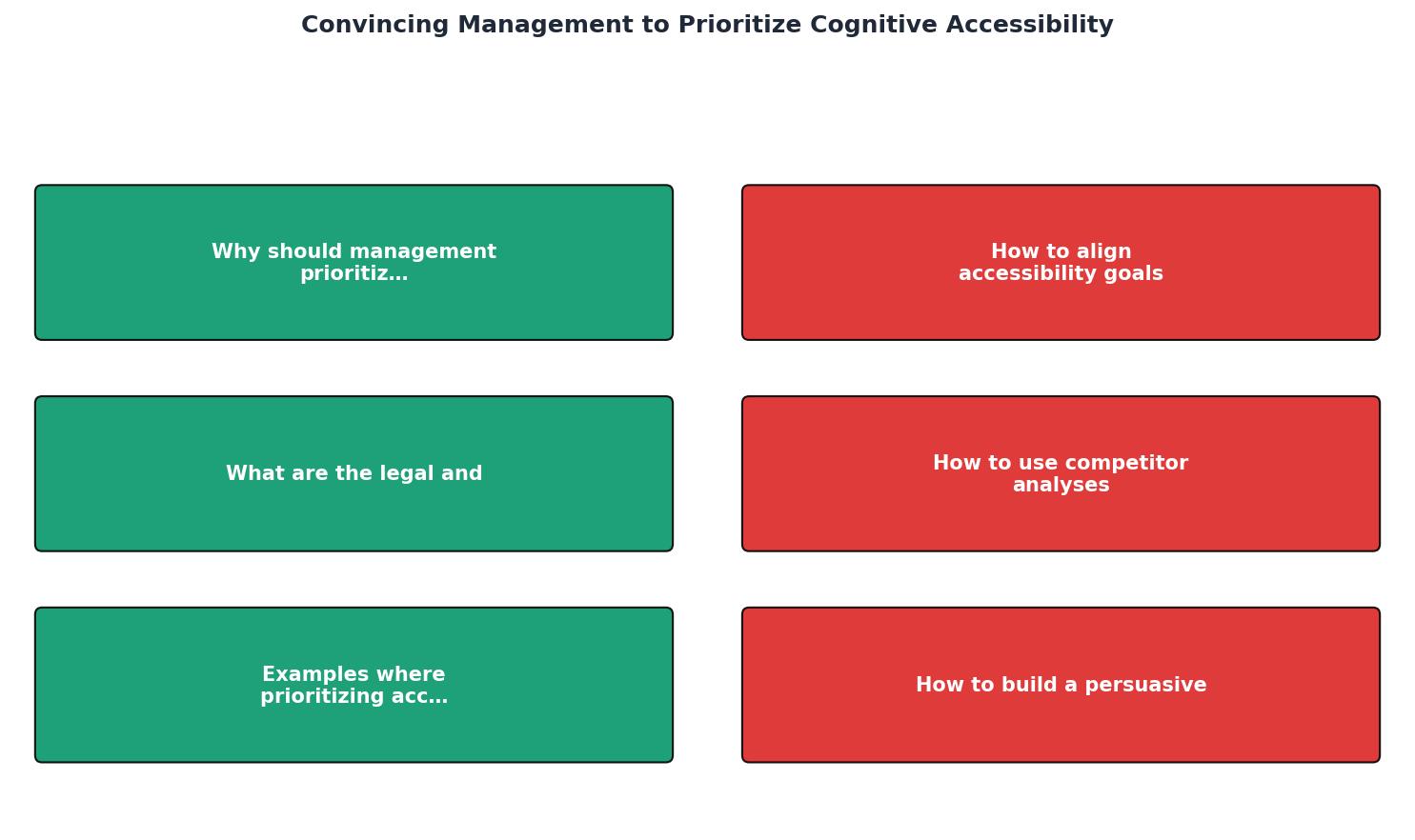
Step 1: Audit. Run a cognitive accessibility review on your highest-traffic pages. Document specific barriers: ambiguous labels, excessive choices, jargon, missing orientation cues.
Step 2: Quantify. Attach each barrier to a metric. "The pricing page has a 68% bounce rate. Cognitive load analysis shows five competing actions above the fold."
Step 3: Benchmark. Compare against competitors and industry standards. Show where you fall behind.
Step 4: Propose. Present two to three specific fixes with estimated effort and projected impact. Keep scope small enough to ship in one sprint.
Step 5: Track. After shipping fixes, measure the same metrics. Report results back to leadership. Wins build trust for larger investments.
The framework below shows an example scenario for a typical SaaS product preparing its first executive pitch on cognitive accessibility:
Executive Pitch Framework
Real examples of accessibility-driven gains
Concrete results shut down skepticism faster than theory. Here are documented patterns from organizations that invested in cognitive clarity:
- Gov.uk redesigned its content around a Grade 5-6 reading level and plain-language principles. Task completion rates increased significantly, and support call volume dropped. The entire UK government digital strategy now treats cognitive accessibility as a core design requirement.
- Booking.com runs continuous A/B tests on form simplification and decision-load reduction. Reducing the number of choices shown at each step of the booking flow consistently lifts completion rates.
- Target settled an accessibility lawsuit in 2008 for $6 million and then invested in inclusive design. The result was not just compliance but a measurably better shopping experience that increased online revenue.
Executive Buy-In Checklist for Cognitive Accessibility
Your progress is saved automatically in your browser.
FAQ
Frequently Asked Questions
Additional Resources
- Cognitive Accessibility (Digital) in 2026: Helping Users Stay ... - Cognitive accessibility plays an essential role in ensuring people with cognitive disabilities can equitably access digital government services.
- Optimizing Accessibility Training by Prioritizing Cognitive ... - Findings from this project include insights into challenges faced during collaborative training development, strategies for building inclusive ...
- How to Convince People to Care and Invest in Accessibility - Learn how to advocate for accessibility, drive change without authority, and connect inclusive design to business impact, with practical ...
Need Help with Accessibility?
Improve your site's accessibility and conversion rates with our AI-powered analysis.
Get Started