Ensuring Website Compliance with the European Accessibility Act
The European Accessibility Act deadline of June 28, 2025 has already passed, and many organizations are still scrambling to understand what it actually requires. If your website serves customers in the EU and you sell products or services covered by the Act, non-compliance is no longer a future risk but a present one. This guide walks through the specific requirements, a practical audit process, and the ongoing strategies you need to stay compliant without losing your mind.

The European Accessibility Act deadline of June 28, 2025 has already passed, and many organizations are still scrambling to understand what it actually requires. If your website serves customers in the EU and you sell products or services covered by the Act, non-compliance is no longer a future risk but a present one. This guide walks through the specific requirements, a practical audit process, and the ongoing strategies you need to stay compliant without losing your mind.

- The European Accessibility Act (EAA) requires websites offering covered products and services in the EU to meet accessibility standards aligned with EN 301 549 and WCAG 2.1 AA.
- Compliance demands more than technical checks: cognitive accessibility, clear language, and consistent navigation are explicitly part of the requirements.
- Build a repeatable audit process, document everything, and schedule quarterly reviews to stay ahead of enforcement actions.
What the EAA actually covers
The European Accessibility Act (Directive 2019/882) is an EU directive that harmonizes accessibility requirements across all member states. Unlike WCAG guidelines or the ADA, the EAA is a product-focused regulation. It targets specific categories of products and services, not just "websites" in general.
Here is what falls under the EAA's scope:
- E-commerce websites selling products or services to EU consumers
- Banking and financial services including online banking platforms
- Telecommunications services and related websites
- Transport services such as ticketing and real-time travel information
- E-books and e-readers
- Audio-visual media services and streaming platforms
- Emergency communication services (112 access)
"The EAA represents a significant step toward a more inclusive society, harmonizing accessibility standards across the EU and reducing barriers for people with disabilities.">, European Accessibility Act (EAA) compliance checklist
The Act does not prescribe a single technical standard. Instead, it references EN 301 549, the European standard for ICT accessibility, which itself maps closely to WCAG 2.1 Level AA. But the EAA goes further than WCAG in one critical area: it explicitly requires that services be "understandable" and "perceivable" in ways that address cognitive and learning disabilities, not just sensory or motor impairments.
Key requirements for compliance

The EAA's Annex I lays out functional accessibility requirements. For websites and digital services, these translate into concrete obligations:
Perceivable content
All information and user interface components must be presentable in ways users can perceive. This includes:
- Text alternatives for non-text content (images, icons, charts)
- Captions and transcripts for audio and video content
- Sufficient color contrast (minimum 4.5:1 for normal text, 3:1 for large text)
- Resizable text up to 200% without loss of content or functionality
- No information conveyed by color alone
Operable interfaces
Users must be able to operate all interface components and navigation:
- Full keyboard accessibility for every interactive element
- No time limits on interactions, or the ability to extend/disable them
- No content that flashes more than three times per second
- Skip navigation links and logical heading structure
- Touch targets of at least 44x44 CSS pixels on mobile
Understandable content
This is where the EAA diverges most from what many teams currently test. The directive requires:
- Clear, plain language appropriate to the audience
- Consistent navigation patterns across pages
- Predictable behavior of interactive elements (no unexpected context changes)
- Error identification and suggestions in forms
- Labels and instructions for all user inputs
That 35% figure reflects a persistent gap. Most automated accessibility tools catch contrast ratios and missing alt text. Almost none evaluate whether your checkout flow confuses someone with ADHD, whether your error messages make sense to someone with low digital literacy, or whether your navigation is consistent enough for someone with a cognitive disability to build a mental model of your site.
Robust markup
Content must be compatible with current and future assistive technologies:
- Valid, semantic HTML with proper ARIA roles where needed
- Name, role, and value programmatically determinable for all UI components
- Status messages communicated to assistive technologies without focus changes
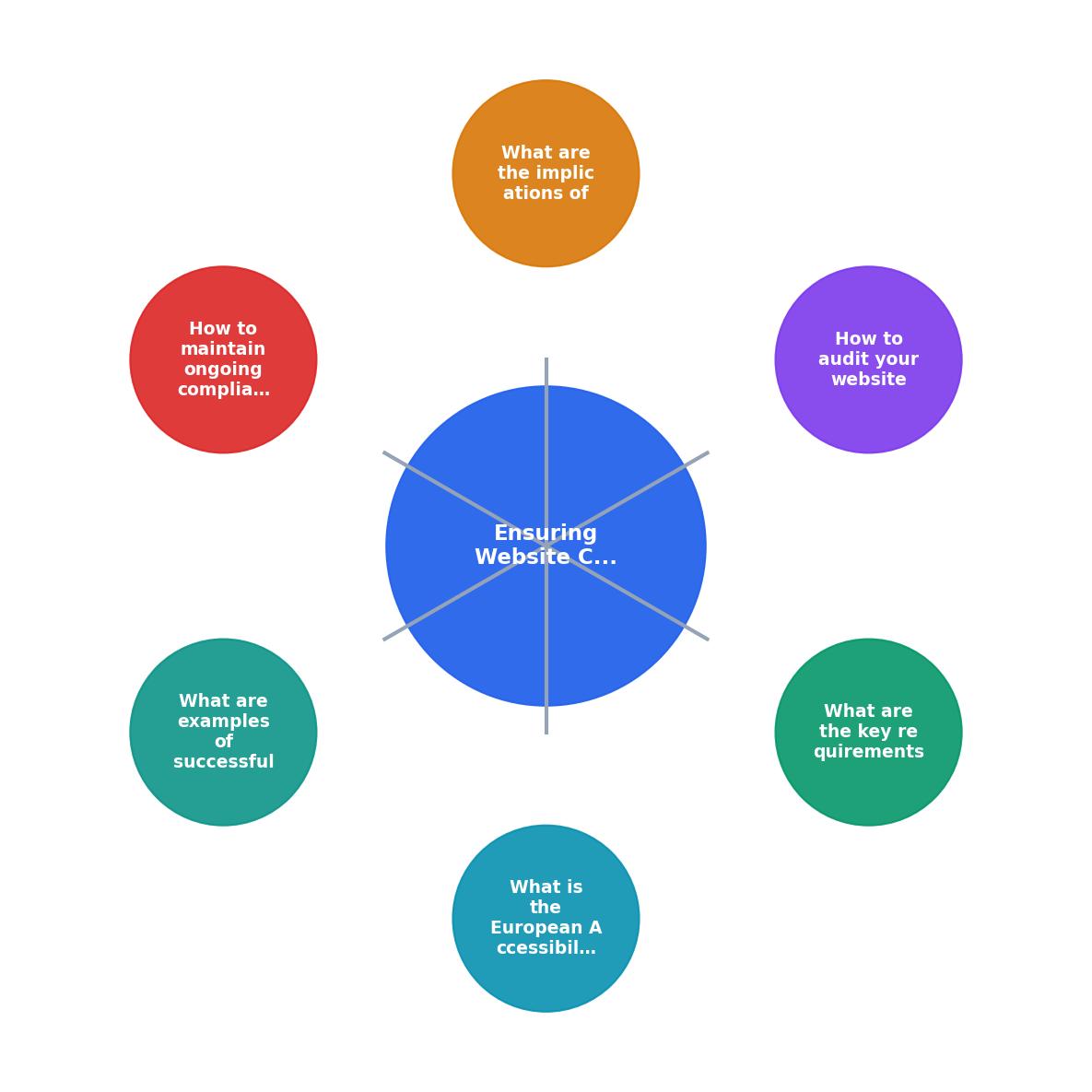
How to audit your website

An EAA compliance audit is not a one-time scan. It is a structured process that combines automated testing, manual review, and user testing. Here is the process broken into actionable steps.
Step 1: Scope definition
Start by identifying every digital touchpoint covered by the EAA. This includes your main website, mobile apps, customer portals, checkout flows, PDF documents linked from your site, and any embedded third-party widgets (chatbots, payment forms, booking engines). Third-party components are your responsibility if they appear on your service.
Create a page inventory. For large sites, prioritize by user traffic and task criticality:
- Homepage and main landing pages
- Product/service pages
- Checkout and payment flows
- Account creation and login
- Contact and support pages
- Legal pages (terms, privacy policy)
Step 2: Automated scanning
Run automated tools across your page inventory. These catch roughly 30-40% of WCAG issues:
- axe DevTools (browser extension, free tier available)
- WAVE (WebAIM's evaluation tool)
- Lighthouse (built into Chrome DevTools)
- Pa11y (open-source CLI tool for CI/CD integration)
Step 3: Manual expert review
A trained reviewer walks through each critical user journey using keyboard-only navigation, screen readers (NVDA on Windows, VoiceOver on macOS/iOS), and screen magnification. The reviewer checks:
- Logical tab order and focus management
- Heading hierarchy (one H1, sequential H2/H3 structure)
- Link text clarity (no "click here" or "read more" without context)
- Form error handling and recovery
- Consistent navigation across pages
- Reading level of key content (aim for grade 8 or lower for public-facing services)
Step 4: Cognitive accessibility review
This is the step most organizations skip, and it is the one the EAA cares about most. Evaluate:
- Cognitive load: Are users asked to remember information across steps? Are forms broken into manageable chunks?
- Language clarity: Is jargon defined? Are sentences short and direct?
- Predictability: Do similar elements behave the same way across pages?
- Error prevention: Can users review and correct input before submission?
- Distraction management: Are there auto-playing videos, carousels, or pop-ups that interrupt task completion?
Step 5: User testing
Recruit participants with diverse disabilities, including cognitive and learning disabilities. Even three to five participants per disability category will surface issues no automated tool or expert review catches. Focus sessions on completing real tasks: making a purchase, finding contact information, recovering a password.
Step 6: Documentation
The EAA requires you to demonstrate compliance, not just achieve it. Document:
- Your accessibility statement (required by EN 301 549)
- Audit methodology and tools used
- Issues found and remediation timelines
- Test results and user testing summaries
- Dates of audits and responsible parties
EAA Compliance Status Dashboard
Non-compliance consequences
The EAA leaves enforcement to individual member states, which means penalties vary. But the direction is clear and consistent: enforcement is real, and it is ramping up.
Financial penalties
Each EU member state sets its own penalty structure. Germany's BFSG (Barrierefreiheitsstärkungsgesetz) allows fines up to EUR 100,000 per violation. France's enforcement framework includes similar financial penalties. Across the EU, regulators can also order products and services removed from the market.
Market access restrictions
Non-compliant products and services can be blocked from sale in the EU. For e-commerce businesses, this means your website itself could be deemed non-compliant, effectively locking you out of the EU market until issues are resolved.
Litigation risk
The EAA strengthens the legal basis for accessibility-related lawsuits. Consumers and advocacy organizations can file complaints with national market surveillance authorities. In countries with strong consumer protection traditions (Germany, France, the Netherlands), expect active enforcement.
Reputational damage
Public enforcement actions are published. Being listed as non-compliant in a market surveillance report is not the kind of press release any organization wants. Competitors who invest in accessibility will use your non-compliance as a differentiator.
Maintaining ongoing compliance

Accessibility is not a project with a finish date. Every new feature, content update, or design change can introduce new barriers. Here is how to build compliance into your operations.
Integrate into development workflows
- Add automated accessibility checks to your CI/CD pipeline using axe-core or Pa11y
- Include accessibility acceptance criteria in every user story
- Require accessibility review before merging design changes
- Train developers on semantic HTML, ARIA patterns, and keyboard interaction
Schedule regular audits
- Quarterly: Automated scans of the full site, manual spot-checks of high-traffic pages
- Biannually: Full manual expert review of critical user journeys
- Annually: Comprehensive audit including user testing with participants with disabilities
Quarterly automated scans catch about 72% of new technical issues before they reach users. Combine them with manual reviews and you cover the cognitive and interaction gaps that automation misses.
Assign clear ownership
Someone in your organization needs to own accessibility. This is not a side task for a developer or a checkbox for QA. Designate an accessibility lead (or team, depending on organization size) with:
- Authority to block releases that introduce accessibility regressions
- Budget for tools, training, and user testing
- Direct reporting line to leadership
- Responsibility for maintaining the accessibility statement
Monitor regulatory updates
The EAA framework will evolve. EN 301 549 gets updated. WCAG 2.2 is already published, and WCAG 3.0 is in development. Member states may add national requirements on top of the directive. Subscribe to updates from your national market surveillance authority and from the European Commission's accessibility page.
Document everything
Keep a compliance log that records:
- Every audit performed (date, scope, methodology, findings)
- Remediation actions taken and completion dates
- Training sessions delivered
- User testing sessions and outcomes
- Changes to your accessibility statement
Successful compliance examples
Several organizations have demonstrated that EAA compliance is achievable and beneficial.
Banking: ING Group
ING integrated accessibility into their design system, ensuring that every component used across their digital banking platforms meets EN 301 549 requirements. Their approach: build accessibility into the component library once, and every product team inherits compliance by default. They also conduct regular user testing with customers who have cognitive disabilities, specifically testing whether error messages in their banking flows are understandable without financial jargon.
E-commerce: Zalando
Zalando published a detailed accessibility statement and embedded accessibility testing into their development pipeline. Their product teams use automated scanning in CI/CD, manual testing with screen readers, and quarterly cognitive accessibility reviews of their checkout flow. The result: measurable improvements in task completion rates across all user groups, not just users with disabilities.
Public transport: Deutsche Bahn
Deutsche Bahn's website and booking platform underwent a multi-year accessibility overhaul. They focused heavily on cognitive accessibility in their journey planner, simplifying the multi-step booking process, adding clear progress indicators, and ensuring that error states provide specific, actionable guidance. Their mobile app now includes a simplified mode that reduces cognitive load for users who need it.
What these examples share
All three organizations treated accessibility as a design and engineering discipline, not a legal checkbox. They:
- Built accessibility into design systems and component libraries
- Automated what could be automated
- Invested in manual and user testing for what could not
- Assigned dedicated ownership
- Published transparent accessibility statements
| Reactive Compliance | Proactive Compliance |
|---|---|
| Fix issues after complaints | Prevent issues in development |
| Annual one-off audits | Continuous testing in CI/CD |
| Legal team drives effort | Design and engineering own it |
| Minimal documentation | Comprehensive compliance log |
| Covers technical WCAG only | Includes cognitive accessibility |
| High remediation costs | Lower cost per fix (caught early) |
EAA compliance audit checklist
Use this checklist to structure your audit process. It covers both the technical WCAG requirements and the cognitive accessibility obligations that the EAA emphasizes.
European Accessibility Act Compliance Audit Checklist
Your progress is saved automatically in your browser.
FAQ
Frequently Asked Questions
Additional Resources
- European Accessibility Act (EAA) compliance checklist - WCAG - Implement WCAG 2.1 and EN 301 549 standards for websites and mobile apps, ensuring compatibility with assistive technologies like screen readers ...
- European Accessibility Act (EAA) - The European accessibility act is a directive that aims to improve the functioning of the internal market for accessible products and services, ...
- A guide to the EU directives on digital accessibility - Learn how the EU Web Accessibility Directive and the European Accessibility Act impact both public and private organizations and how you can comply.
Need Help with Accessibility?
Improve your site's accessibility and conversion rates with our AI-powered analysis.
Get Started