Maintaining Cognitive Accessibility Compliance Over Time
Cognitive accessibility compliance isn't a one-time audit, it's an ongoing commitment that keeps your digital product usable for everyone. Standards evolve, user needs change, and new barriers emerge with each feature release. Without a structured maintenance plan, even well-intentioned sites slip backward into confusion and exclusion.

Photo by Tito Zzzz from Pexels
Cognitive accessibility compliance isn't a one-time audit, it's an ongoing commitment that keeps your digital product usable for everyone. Standards evolve, user needs change, and new barriers emerge with each feature release. Without a structured maintenance plan, even well-intentioned sites slip backward into confusion and exclusion.
TL;DR:- Cognitive accessibility requires quarterly audits, clear documentation, and stakeholder buy-in to remain compliant over time.
- Automated monitoring tools catch regressions early; manual reviews catch nuance that tools miss.
- Staying current with W3C guidance, WCAG updates, and regulatory changes (especially the European Accessibility Act) keeps your compliance strategy ahead.
- Engaging your entire team, design, product, content, QA, embeds accessibility into culture, not just compliance checklists.
Maintaining compliance works differently. It requires routine checkpoints, documented practices, and tools that catch regressions before they reach real users. This article walks through the concrete systems that keep cognitive accessibility embedded in your product as it evolves.
What Cognitive Accessibility Compliance Means
Cognitive accessibility compliance means your product is legally, ethically, and practically usable by people with ADHD, anxiety, dyslexia, low digital literacy, and cognitive disabilities. It goes beyond technical WCAG checkboxes (heading hierarchy, alt text, color contrast) into the cognitive layer: Are instructions clear? Is the flow logical? Can a first-time visitor complete a task without excessive mental effort?
Regulatory pressure has intensified. The ADA (Americans with Disabilities Act) applies to public-facing websites in the US. The European Accessibility Act, effective June 2025 for some sectors and June 2026 for others, requires accessibility across digital products. Section 508 (US federal procurement) and EN 301 549 (European standard) both include cognitive accessibility mandates. Compliance isn't optional; it's increasingly enforceable.
"The accessibility issues addressed in this guidance are essential for people with certain disabilities to be able to use digital technology.">, Cognitive Accessibility at W3C
Maintaining this compliance means auditing regularly, documenting what you've fixed, and building accessibility into your development workflow so regressions don't happen in the first place.
Strategies for Regular Audits and Updates

An audit schedule keeps compliance from sliding. Most organizations benefit from a quarterly full audit plus monthly spot-checks on new features.
Full audits every three months:- Run both automated scanning and manual testing. Automated tools catch broken links, missing alt text, and color contrast failures fast. Manual review surfaces cognitive issues: unclear copy, excessive inline jargon, confusing information hierarchy, forms that don't guide users logically.
- Test with real assistive technology (screen readers, magnification, speech input). Keyboard-only navigation reveals flow problems a mouse user never sees.
- Involve users with cognitive disabilities if your budget allows. Unmoderated remote testing platforms like UserTesting or Validately let you observe real people using your site; their struggles tell you what metrics miss.
- Document findings in a shared tracker (Jira, Notion, Airtable). Log the issue, which page/user flow it affects, severity, root cause, and owner.
- Before launch, a quick 30-minute scan for obvious regressions. New navigation menu? Check heading order and keyboard focus. New form? Test with a screen reader. New copy? Read it aloud; if you stumble, it's probably confusing to others.
- Use a lightweight checklist so spot-checks don't become bureaucratic. Something like: "Headings logical? Focus visible? Copy tested for clarity? Form labels clear?"
- WCAG 2.1 is the baseline for most regulations, but WCAG 2.2 is now published. W3C updates guidance regularly. European Accessibility Act guidance, Section 508 updates, and ADA case law evolve. One person on your team should review updates quarterly and flag changes that affect your product.
- Join accessibility communities (WebAIM, A11y Slack, IAAP) so you hear about emerging issues before they become compliance problems.
Effective Documentation Practices

Documentation is the backbone of sustained compliance. Without it, compliance knowledge lives in someone's head, audits repeat the same discoveries, and you lose track of what's fixed.
What to document:
- Accessibility statement on your site. Publish a page (usually footer) that outlines your commitment to accessibility, which standards you follow (WCAG 2.1 AA, ADA, EAA), known limitations, and how users can report issues. Update it annually. This isn't marketing fluff, it's evidence of due diligence if regulators or plaintiffs ask.
- Audit reports. After each full audit, save a PDF or shared doc that includes: date, scope (which pages/flows tested), methodology (automated tools + manual + assistive tech), findings, severity ratings, and owners. Link findings to your tracking system.
- Fix status log. As issues are resolved, document what was changed, who did it, when, and how it was verified. This trail proves due diligence. If an issue resurfaces in a future audit, you can trace why and prevent it next time.
- Accessibility decision log. Sometimes you choose not to fix something (intentionally or due to constraints). Document that decision: why, any alternatives considered, planned timeline to revisit. This prevents repeated debates about the same issue.
- Feature launch checklist. Before any feature ships, the team checks: "Cognitive accessibility, compliance verified?" If yes, link the verification. If no, block launch. This checklist keeps new features from undoing old fixes.
- Quarterly compliance dashboard. A one-page summary of: total issues found, % resolved, trend (improving or degrading), upcoming regulatory changes. Share with leadership quarterly. This keeps accessibility visible as a business metric, not a department task.
Documentation also supports handovers. When a team member leaves, the next person inherits clear records, not guesswork. It's the difference between "someone knows accessibility is important" and "the organization knows what its accessibility obligations are."
Using Monitoring Tools for Compliance
Monitoring tools catch regressions you'd otherwise miss. They can't detect every cognitive issue (some require human judgment), but they're invaluable for scale.
Automated scanning tools:
- Axe DevTools (free browser extension, paid reporting): Fast WCAG checks, API integration for CI/CD pipelines. Catches broken links, missing alt text, color contrast, heading hierarchy, form label issues.
- WAVE (WebAIM): Visual feedback overlaid on the page. Shows contrast errors, structural problems, and alerts. Good for quick spot-checks.
- Lighthouse (built into Chrome DevTools): Includes accessibility audits. Free, no setup required. Runs on every page load if you want.
- PagePerson Insights: Specifically designed for cognitive accessibility. Shows how real visitors struggle with comprehension, information hierarchy, and form clarity. Helps you prioritize fixes that matter most to users.
- Set up scanning on a schedule. Tools like Deque Managed Services, Level Access, or in-house scripts can scan your entire site weekly and alert you to new issues. This catches regressions fast, if a developer accidentally removes alt text, you know within hours.
- Integrate into your CI/CD pipeline. Axe and similar tools have plugins for GitHub, GitLab, and Jenkins. Block deploys if critical accessibility failures are detected. This is low-friction enforcement.
- Monitor real user feedback. Use your accessibility statement's "Report an issue" contact form. Track reports by theme. If multiple users report the same confusion, prioritize it.
Automated tools miss cognitive issues: unclear copy, confusing information architecture, ambiguous form labels, and excessive cognitive load. They catch technical violations. They don't catch "this sentence needs to be shorter" or "users don't understand why they're on this page."
That's why monitoring + manual review is the standard. Automation is your safety net. Human review is your insight.
Engaging Stakeholders in Compliance Efforts
Compliance sticks when everyone owns it. Design alone can't ensure accessibility. Neither can QA alone. You need buy-in from product, engineering, content, and leadership.
Building team alignment:
- Make it someone's job. Assign an Accessibility Champion (could be 20% of someone's time or full-time, depending on size). They own the audit schedule, documentation, tool setup, and stakeholder updates. Without a named owner, accessibility becomes everyone's responsibility and therefore no one's.
- Include accessibility in your Definition of Done. Before a story is marked complete, the developer and QA verify: "Does this meet cognitive accessibility standards?" If no, it's not done. This shifts accessibility from "post-launch fix" to "built in."
- Train the team quarterly. Run a 30-minute workshop on a specific cognitive barrier: unclear forms, overwhelming copy, confusing navigation, cognitive overload. Show examples from your own site. Discuss fixes. Make it concrete, not abstract.
- Share wins and regressions. When you fix a major cognitive issue, celebrate it. When a new feature introduces a regression, analyze it together without blame. Learning cultures embrace accessibility as craft.
- Connect accessibility to business metrics. Show how better clarity reduces support tickets. How simpler flows increase conversions. How inclusive design reaches more customers. Accessibility isn't separate from business goals, it's foundational.
Adapting to Evolving Accessibility Standards
Standards and regulations change. The European Accessibility Act timelines are shifting. WCAG updates every few years. Section 508 and ADA case law evolve. Staying compliant means staying informed.
How to stay current:
- Subscribe to official updates. W3C publishes new WCAG guidance. The US Access Board posts Section 508 updates. The European Commission publishes EAA guidance. Follow their official channels (RSS, email alerts, or designated personnel checking them).
- Join communities. WebAIM forums, A11y Slack community, and IAAP (International Association of Accessibility Professionals) share real-world updates and emerging issues before they become legal problems.
- Audit your current standards compliance. If you're WCAG 2.1 AA today and WCAG 2.2 is now the expectation, plan a transition. Don't assume you're compliant just because you passed an old audit.
- Review regulatory changes for your region. If you serve EU users, track the European Accessibility Act timeline and requirements. If you're a US federal contractor, monitor Section 508 updates. If you're a public accommodation, watch ADA case law. Compliance requirements differ.
- Plan for accessibility debt. New standards often reveal old shortcomings. Allocate resources quarterly to address emerging gaps. Don't treat new standards as surprise work, budget for it.
Process at a Glance
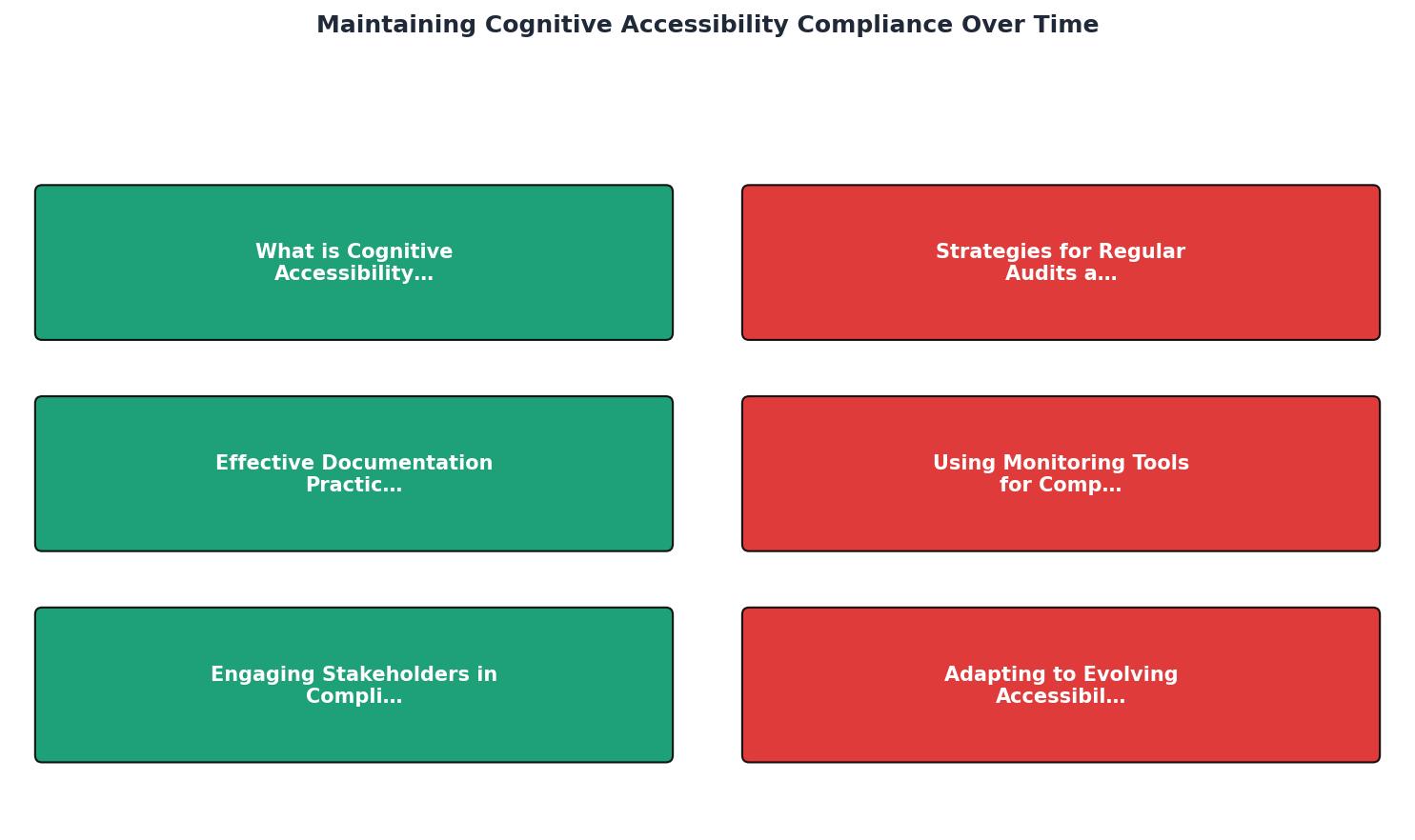
The diagram shows the core cycle: audit (quarterly), document findings, prioritize fixes, implement and verify, monitor for regressions, and repeat. This loop prevents compliance from sliding.
Interactive Compliance Dashboard
To help you visualize the compliance maintenance process, here's an example of how to track your organization's compliance status across key dimensions:
This dashboard tracks the five core maintenance pillars: audit cadence, issue resolution rate, team readiness, tool setup, and documentation freshness. Print it monthly and share with leadership. It makes compliance visible as an operational metric.
Cognitive Accessibility Compliance Audit Checklist
Your progress is saved automatically in your browser.
FAQ
Frequently Asked Questions
Maintaining cognitive accessibility compliance is not a sprint, it's the rhythm of your product. When you audit regularly, document thoroughly, engage your team, and stay informed about evolving standards, compliance becomes a habit, not a headache. Your visitors with cognitive disabilities will navigate your site with confidence. Regulators will see evidence of due diligence. Your team will build accessibility into every feature, not bolt it on at the end. That's how you sustain compliance over time.
Additional Resources
- Cognitive Accessibility at W3C - This page introduces: accessibility for people with cognitive and learning disabilities (“cognitive accessibility”); existing standards from the World Wide ...
- Best Strategies for Cognitive Accessibility in Digital Design - Four Strategies for Cognitive Accessibility in Digital Design · 1. Consistent User Interaction · 2. Compatibility with Assistive Technology · 3.
- Accessibility for People with Cognitive Disabilities - Discover how to break digital barriers and build bridges for people with cognitive disabilities while championing more inclusive user experiences.
Need Help with Accessibility?
Improve your site's accessibility and conversion rates with our AI-powered analysis.
Get Started