Manual vs Automated Cognitive Accessibility Audits
Your organization runs automated scans every sprint, yet users with ADHD, dyslexia, and anxiety still abandon critical flows. The gap between what machines catch and what humans experience is where cognitive accessibility failures hide. This guide breaks down exactly when manual audits outperform automated tools, when automation wins, and how to combine both for audits that satisfy regulators and genuinely protect users.

Your organization runs automated scans every sprint, yet users with ADHD, dyslexia, and anxiety still abandon critical flows. The gap between what machines catch and what humans experience is where cognitive accessibility failures hide. This guide breaks down exactly when manual audits outperform automated tools, when automation wins, and how to combine both for audits that satisfy regulators and genuinely protect users.

- Automated cognitive accessibility audits excel at speed, consistency, and coverage across large page inventories, but they miss context-dependent issues like confusing language, unclear error recovery, and overwhelming layouts.
- Manual audits catch nuanced cognitive barriers that no algorithm detects today, but they cost more time and require trained evaluators.
- The strongest compliance posture combines both: automated scans for baseline coverage, manual review for depth and documentation that regulators accept.
What Is a Cognitive Accessibility Audit?
A cognitive accessibility audit evaluates whether a website or application creates unnecessary barriers for people with cognitive, learning, or neurological disabilities. Unlike a standard WCAG technical scan that checks contrast ratios and alt text, a cognitive audit examines comprehension, memory load, predictability, and error tolerance.
The scope typically covers:
- Reading level and plain language of instructions, labels, and error messages
- Navigation predictability across multi-step flows
- Cognitive load created by layout density, animation, and simultaneous demands
- Error prevention and recovery for users who lose focus or misunderstand a step
- Consistency of interaction patterns across the entire site
That number comes from the consistent finding across multiple accessibility research efforts that automated scanners detect roughly 30-40% of all WCAG issues, leaving the majority for human review. Cognitive criteria sit almost entirely in that undetected majority.
Strengths of Manual Audits

Manual audits use trained evaluators who walk through a site the way a real user would. They read the copy, attempt the forms, get confused on purpose, and document where cognitive friction appears.
What manual audits catch that machines cannot:
- Ambiguous button labels ("Submit" vs. "Place Order" vs. "Continue") that confuse users mid-flow
- Instructions that assume prior knowledge or use jargon without explanation
- Multi-step processes where the user loses context because progress indicators are vague
- Layouts that visually overwhelm, even when each individual element passes automated checks
- Error messages that tell users something went wrong but not what or how to fix it
"Many cognitive accessibility issues need human judgement.">, Automated vs Manual Accessibility Testing
Manual evaluators also bring the ability to test with assistive personas: simulating the experience of a user with low working memory, a user with anxiety encountering a payment form, or a user with dyslexia parsing a dense terms-of-service page. No scanner replicates that.
The trade-off is clear: manual audits are slow. A thorough cognitive review of a 50-page site takes 20-40 hours of specialist time. Scaling that across quarterly reviews and multiple properties gets expensive fast.
Strengths of Automated Audits

Automated tools scan pages against a rule set and produce reports in minutes. For cognitive accessibility specifically, automation handles:
- Reading level analysis using Flesch-Kincaid or similar algorithms across every page
- Heading structure validation to confirm logical hierarchy exists
- Link text checks flagging generic "click here" or "read more" patterns
- Form label association ensuring every input has a programmatically associated label
- Consistent navigation detection comparing menus across page templates
Automated scans shine in three scenarios:
- Large-scale inventories. Scanning 10,000 pages for heading structure issues takes minutes, not months.
- Regression testing. Running the same scan after every deployment catches new issues before they reach production.
- Baseline documentation. Automated reports create timestamped evidence of due diligence for compliance records.
Comparing Depth and Accuracy

The core difference is not "good vs. bad." It is scope vs. depth.
| Dimension | Manual Audit | Automated Audit |
|---|---|---|
| Cognitive load assessment | Deep, contextual | Surface-level proxies |
| Plain language review | Nuanced, intent-aware | Readability scores only |
| Error recovery evaluation | Tests real user paths | Checks label presence |
| Scalability | 20-40 hrs per 50 pages | Minutes per 10,000 pages |
| Consistency | Varies by evaluator | Identical every run |
| Regulatory documentation | Expert-signed reports | Timestamped scan logs |
| False positives | Low (human judgment) | Moderate to high |
| False negatives | Low for reviewed pages | High for cognitive criteria |
Automated tools produce false negatives on cognitive issues because they cannot evaluate meaning. A heading structure can be technically perfect (H1 > H2 > H3) while the actual heading text is incomprehensible. A form can have every label associated correctly while the label text itself creates confusion.
Manual audits produce fewer false negatives on reviewed pages, but they introduce coverage gaps because evaluators cannot review every page on a large site. The combination eliminates both weaknesses.
Cost and Time Breakdown
Here is a realistic comparison for a mid-size organization auditing a 200-page web application quarterly.
The following dashboard shows typical resource requirements for each approach across a year of quarterly audits:
Manual Only (per year)
Automated Only (per year)
Combined Approach (recommended, per year)
The combined approach cuts manual hours by 60-75% because automated scans handle the baseline checks. Specialists focus exclusively on cognitive issues that require human judgment, which is where their expertise creates the most value.
Selecting the Right Audit Method
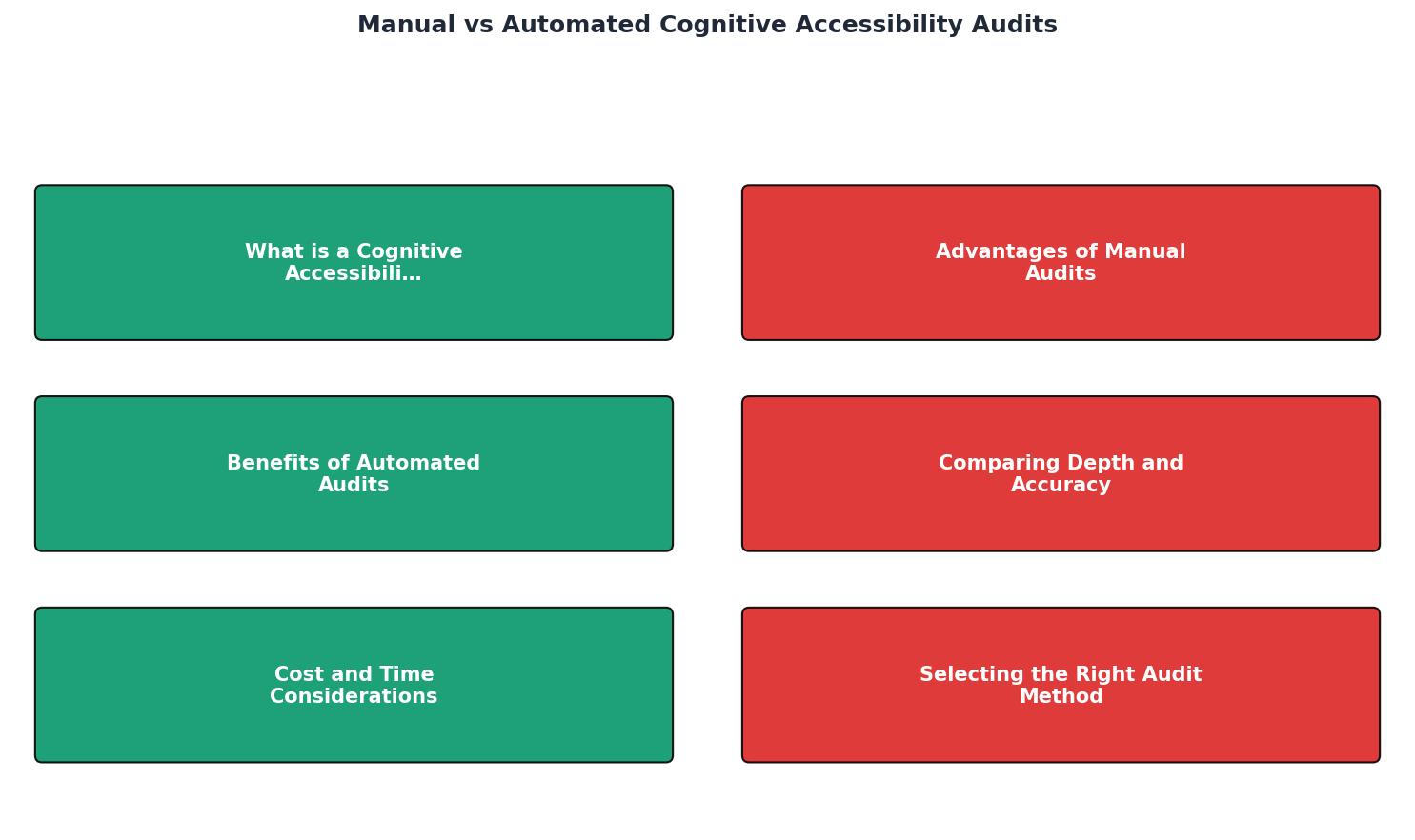
The decision depends on three factors: site size, regulatory exposure, and audit maturity.
Small sites (under 50 pages), low regulatory risk:
Start with automated scans. Use a tool like PagePerson Insights to identify cognitive load hotspots, then fix the top issues. Add manual review when budget allows.
Mid-size sites (50-500 pages), moderate regulatory risk:
Run automated scans weekly. Conduct manual cognitive reviews twice a year, focusing on high-traffic flows: onboarding, checkout, account recovery, and help/support sections.
Large sites (500+ pages), high regulatory risk (public sector, healthcare, finance):
Automated scans run continuously in CI/CD. Manual cognitive audits quarterly on critical user journeys. Maintain a documented audit trail combining both for regulatory submissions.
Three rules that apply regardless of size:
- Never rely on automated scans alone for cognitive accessibility compliance claims
- Always document manual findings with screenshots, user flow annotations, and WCAG criterion references
- Re-audit after every major redesign, not just on a calendar schedule
Decision Guide: Choosing Your Audit Approach
Your progress is saved automatically in your browser.
FAQ
Frequently Asked Questions
Additional Resources
- Automated vs Manual Accessibility Testing | AXS Audit - Automated testing helps teams find repeated issues quickly. Manual testing checks meaning, context and real journeys. User feedback adds lived experience
- Manual vs Automated Accessibility Testing: A Strategic ... - Automated accessibility testing catches approximately 30-40% of WCAG issues instantly and at scale, while manual testing uncovers the remaining ...
- Why Investing in Manual Accessibility Testing Pays Off - Incorporating both automated and manual accessibility testing ensures a more thorough and effective approach to accessibility, benefiting all users.
Need Help with Accessibility?
Improve your site's accessibility and conversion rates with our AI-powered analysis.
Get Started