Personalizing Cognitive Accessibility Settings for ADHD Users
Standard accessibility audits catch missing alt text and low contrast ratios, but they completely ignore the cognitive layer where ADHD users lose focus, miss critical actions, and abandon tasks. Designing for ADHD means building interfaces that adapt to how attention actually works, not how we wish it worked. This guide walks through concrete personalization strategies, from customizable notifications to adaptive layouts and task management tools, that you can implement today to make your product genuinely usable for the millions of people navigating the web with ADHD.

Standard accessibility audits catch missing alt text and low contrast ratios, but they completely ignore the cognitive layer where ADHD users lose focus, miss critical actions, and abandon tasks. Designing for ADHD means building interfaces that adapt to how attention actually works, not how we wish it worked. This guide walks through concrete personalization strategies, from customizable notifications to adaptive layouts and task management tools, that you can implement today to make your product genuinely usable for the millions of people navigating the web with ADHD.

- Personalizing cognitive accessibility for ADHD users requires customizable notification controls, adaptive layouts that reduce visual clutter, and built-in task management aids.
- User feedback loops and real engagement metrics prove which settings actually help, not just which ones sound good on paper.
- Effective personalization treats ADHD not as a single condition but as a spectrum of attention, working memory, and executive function challenges.
Why ADHD accessibility goes beyond WCAG
WCAG guidelines cover perceivable, operable, understandable, and robust criteria. They do a solid job with visual and motor accessibility. Cognitive accessibility? That is still the least-tooled area in the entire spec. ADHD affects roughly 8.7% of children and 4.4% of adults worldwide, according to epidemiological estimates. These users face specific challenges that no color contrast checker will catch.
The core difficulties break down into three categories:
- Sustained attention - maintaining focus on long forms, multi-step flows, or text-heavy pages
- Working memory - holding information from one screen to the next without losing context
- Executive function - planning, prioritizing, and completing multi-step tasks without external scaffolding
"According to the Centers for Disease Control and Prevention (CDC), "more than 28.7% of adults in the United States have a disability" and 13.9% of U.S.">, Designing Digital Content For Users With Cognitive Disabilities
Customizable notifications

Notifications are a double-edged sword for ADHD users. A well-timed reminder keeps them on track. A barrage of popups, banners, and toast messages destroys whatever focus they had. The fix is not fewer notifications. It is user-controlled notifications.
What to let users configure
- Frequency caps - let users set a maximum number of notifications per session or per hour
- Channel preferences - some users handle visual cues better than audio; others need both
- Priority filtering - show only high-priority alerts during focused work, queue the rest
- Snooze and batch options - group low-priority notifications into a single digest
- Delivery timing - allow users to pick "quiet hours" where only critical alerts break through
Implementation tips
Store notification preferences in a user profile object, not just browser settings. This way preferences persist across devices. Use a notification-preferences API endpoint that accepts granular controls:
max_per_hour: integerchannels: array of["visual", "audio", "haptic"]quiet_start/quiet_end: time rangebatch_low_priority: boolean
Designing adaptive layouts
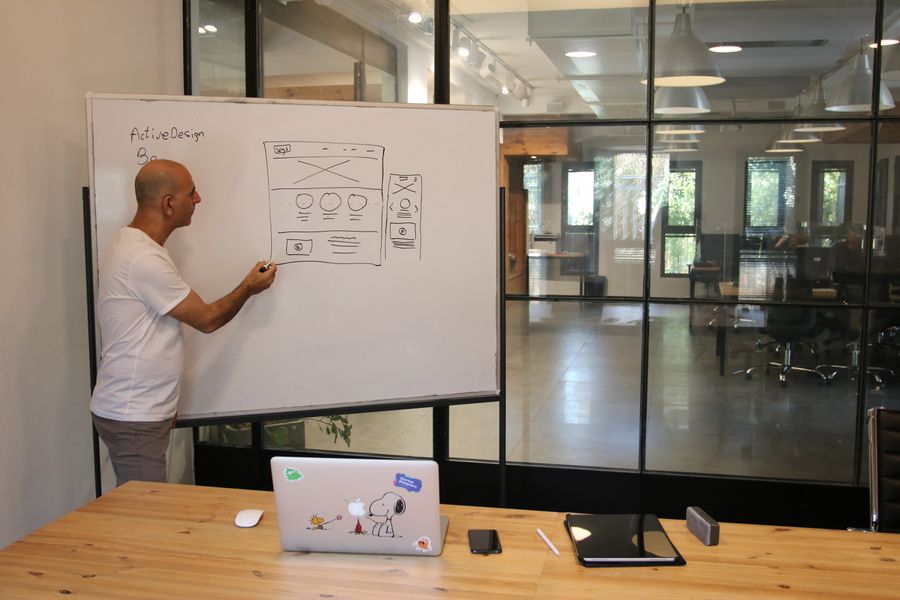
Visual clutter is the enemy of ADHD focus. Adaptive layouts give users control over information density, element visibility, and page structure. This is not about dumbing down the interface. It is about letting users choose the right level of complexity for their current state.
Techniques that work
- Collapsible sections - let users hide content blocks they do not need right now. Notion and Linear both use collapsible sections effectively.
- Focus mode - a single-column, distraction-free view that strips sidebars, ads, and secondary navigation. Medium's reading view is a basic version of this.
- Adjustable information density - Gmail offers "Default", "Comfortable", and "Compact" density settings. ADHD users often benefit from the most spacious option.
- Progressive disclosure - show only essential fields first, reveal advanced options on demand. Stripe's checkout flow does this by default.
- Consistent visual hierarchy - use the same heading sizes, spacing, and color coding across every page so users build spatial memory.
Color and contrast personalization
Let users pick from a set of curated color themes rather than offering a full color picker (too many choices creates its own cognitive load). Include at least:
- A high-contrast theme for focus
- A muted/warm theme for reduced stimulation
- A dark mode (reduces visual fatigue during long sessions)
ADHD-Friendly Settings Panel
Task management tools
ADHD users struggle with multi-step processes. A five-step checkout, a ten-field registration form, or a three-page onboarding wizard can feel like climbing a wall without handholds. Built-in task management features act as those handholds.
Strategies to implement
- Progress indicators - show users exactly where they are in a flow. "Step 2 of 4" with a visual bar reduces anxiety and prevents abandonment.
- Auto-save - save form state every few seconds. If a user gets distracted and comes back, their work is still there. Google Docs set the standard here.
- Task chunking - break large tasks into smaller, completable sub-tasks. Asana and ClickUp both allow sub-task creation, which maps directly to how ADHD brains handle work best.
- Time estimates - show how long each step takes. "This section takes about 2 minutes" sets expectations and reduces the perceived effort.
- Undo/redo with clear feedback - ADHD users act impulsively. A visible, generous undo window (not just Ctrl+Z) prevents panic when they click the wrong thing.
Real-world example
Typeform breaks surveys into one question per screen. Each screen has a progress bar and a clear "Next" action. There is no visual clutter, no sidebar, no competing elements. ADHD users complete Typeform surveys at higher rates than traditional multi-question-per-page forms because the cognitive load per screen stays low.
Measuring personalization impact
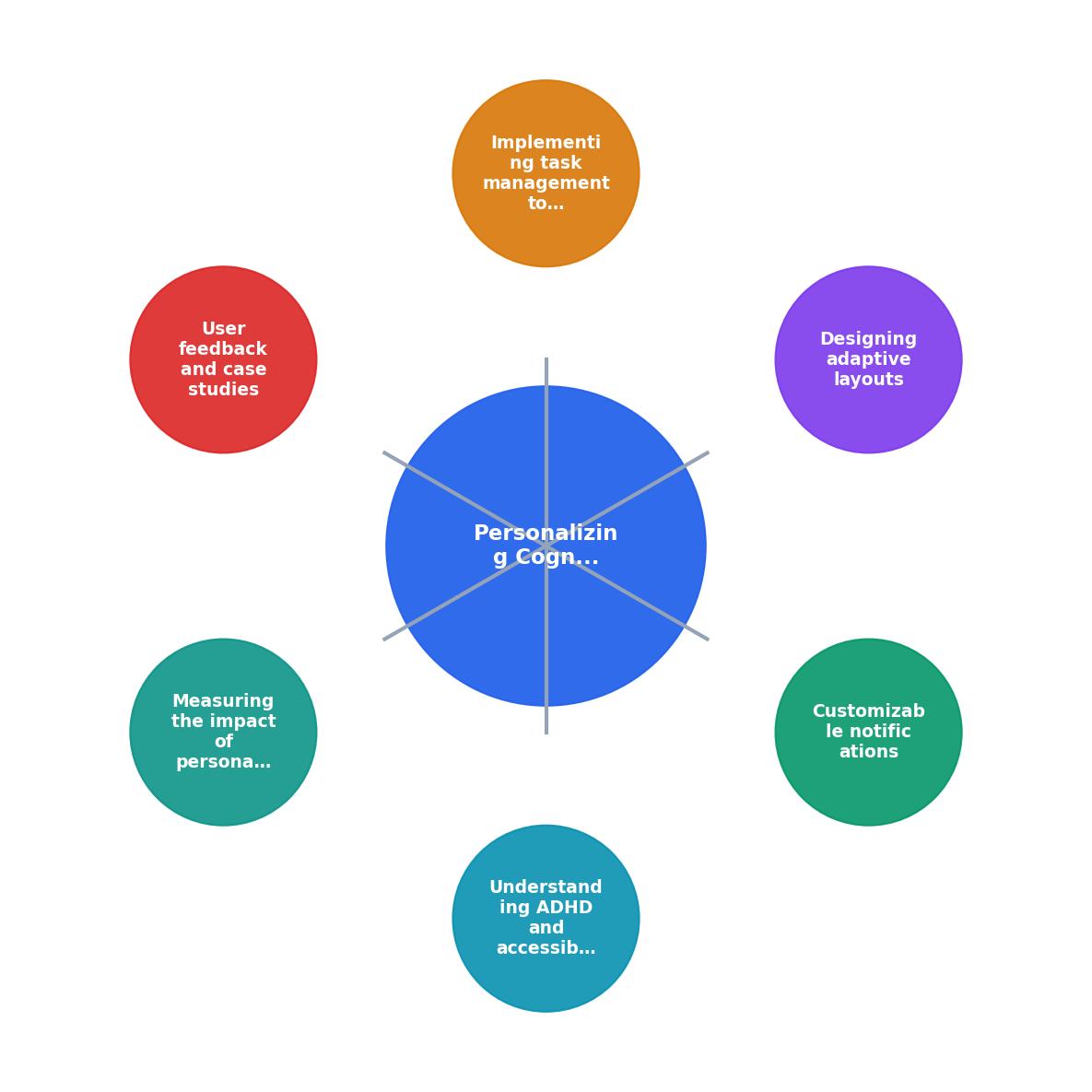
The process follows a clear loop: Audit current UX, Identify ADHD pain points, Implement personalization settings, Collect user feedback, Measure engagement metrics, and Iterate. Each step feeds the next.
You cannot improve what you do not measure. Track these metrics before and after implementing ADHD-friendly personalization:
- Task completion rate - are more users finishing multi-step flows?
- Time on task - shorter is not always better; look for reduced variance (consistent completion times suggest less confusion)
- Error rate - fewer form errors and accidental clicks indicate better cognitive support
- Return visits - ADHD users who find a usable product come back; those who do not, leave permanently
- Feature adoption for personalization settings - if nobody uses your focus mode, it is either hidden or not useful
Tools like PagePerson Insights can help you identify where cognitive barriers exist on your pages before you start building personalization features. Running a cognitive accessibility audit first means you invest engineering time in the right places.
User feedback and iteration
Surveys and analytics tell different stories. Combine both. Run short in-app surveys (three questions max, because ADHD users will not finish longer ones) asking:
- Did you use any personalization settings today?
- Which setting helped you most?
- What is still frustrating?
| Opt-in Personalization | Opt-out Personalization |
|---|---|
| Lower initial adoption | Higher initial adoption |
| Users who enable it are committed | Some users never notice it is on |
| Requires clear discoverability | Requires clear disable path |
| Better for power-user tools | Better for consumer products |
ADHD-Friendly Accessibility Settings Implementation Guide
Your progress is saved automatically in your browser.
FAQ
Frequently Asked Questions
What personalization setting has made the biggest difference for your users? Share your experience in the comments.
Additional Resources
- Designing Digital Content For Users With Cognitive ... - Allow users to customize settings such as font size, color themes, and interaction speed to accommodate individual preferences and needs.
- Cognitive accessibility features on iPhone - To explore accessibility features on iPhone, go to Settings > Accessibility. Choose and customize core features that work best for them. Focus, Dictation, Read ...
- How to Make Your Website More Accessible for People ... - Internet users with ADHD may adjust their browser settings to limit color or to enforce certain fonts, which may make text easier to read.
Need Help with Accessibility?
Improve your site's accessibility and conversion rates with our AI-powered analysis.
Get Started