
Your website may pass WCAG contrast checks and have proper alt text, yet still violate accessibility law because it's too confusing. Cognitive accessibility compliance, ensuring people with ADHD, dyslexia, low digital literacy, and cognitive disabilities can understand and navigate your site, is increasingly required by regulators and directly impacts your legal exposure. When compliance audits surface cognitive failures, knowing how to diagnose and fix them is critical.
Photo by Markus Spiske from Pexels
TL;DR:- Cognitive compliance failures center on clarity, complexity, and cognitive load, not just technical accessibility.
- Identify issues by analyzing navigation complexity, jargon density, visual clutter, and interaction patterns.
- Key standards: WCAG 2.1 (levels A/AA/AAA cognitive features), EN 301 549 (EU), ADA (U.S.), and emerging national frameworks.
- Fix problems by simplifying language, reducing visual noise, clarifying interactions, and testing with real users who have cognitive disabilities.
- Document remediation with before/after evidence and compliance reports tied to specific regulations your organization must meet.
Cognitive accessibility compliance is not optional for organizations handling regulated industries, government contracts, or large user bases. The European Accessibility Act (EAA) mandates it by 2025 for many digital services. U.S. ADA litigation increasingly includes cognitive barriers as violations. Yet most compliance teams focus on technical WCAG checks, fonts, colors, keyboard navigation, and miss the cognitive layer: the actual comprehensibility of your content and interactions.
When a compliance review surfaces cognitive problems, many teams don't know where to start. Is the issue copy clarity? Interaction design? Visual overwhelm? How do you measure it? What does "fixed" look like? This guide walks through the troubleshooting process: identifying the problem, understanding the rules that apply, and implementing solutions that hold up to audit and genuinely serve users.
Common cognitive compliance issues

Cognitive compliance failures fall into predictable categories. Understanding them helps you recognize non-compliance before audit.
Jargon and unclear language. Forms ask for "billing parity" or "domicile." Instructions use passive voice and nested clauses. Legal copy defaults to legalese. Users with cognitive disabilities, low literacy, or non-native language fluency hit a wall. This is often the first compliance red flag regulators spot.
Overwhelming visual design. Screens crammed with options, competing visual hierarchies, or animation-heavy interfaces force visitors to filter signal from noise. People with ADHD or processing difficulties can't parse the page. This appears in ecommerce checkout flows, complex dashboards, and feature-heavy landing pages.
Unclear navigation and wayfinding. Inconsistent button labels ("Submit," "Confirm," "Process," "Go"), hidden menus, or unclear back-button behavior leave users uncertain where they are or how to proceed. Mobile navigation that differs from desktop multiplies confusion.
Inconsistent interaction patterns. A form behaves one way on one page, differently on another. Modal dialogs trap focus unpredictably. Some elements require a single click, others a double-click or hover. Inconsistency forces users to re-learn the interface on every page.
Cognitive load from poor structure. Long paragraphs without breaks, no clear headings, numbered lists that run to 20+ items, or dense tables overwhelm working memory. Users with ADHD or mild intellectual disabilities can't retain the information.
Unclear error messages and help. Errors say "Invalid input" without explaining what went wrong or how to fix it. Help content exists but isn't linked where users need it. Context-sensitive guidance is absent.
How to identify non-compliance issues

Identifying cognitive compliance problems requires both automated review and human judgment. Here's a structured approach:
1. Run a baseline technical accessibility audit. Start with tools like Axe, WAVE, or WebAIM to catch WCAG technical violations (missing alt text, poor color contrast, broken keyboard navigation). These are prerequisites, you must pass them first. But know that a clean technical report does NOT mean cognitive compliance.
2. Analyze content complexity. Review high-traffic pages, login flows, checkout, help pages, for readability. Check average sentence length, vocabulary level (use tools like Flesch-Kincaid or the Hemingway Editor), and the presence of jargon. Aim for 8th-grade reading level for public-facing content; healthcare and financial services often require 6th-grade level for compliance.
3. Map interaction patterns. Document every action a user must take: clicks, form fills, selections, confirmations. Look for inconsistency. If a "save" button on one page opens a modal but saves silently on another, flag it. Count the steps to reach primary goals, sign up, check status, download a file. More than 5–7 steps often creates cognitive friction.
4. Assess visual complexity. Measure visual density: how many distinct interactive elements per screen? How many colors? Is there whitespace? Tools like Page Ruler or manual grid counting help. Pages with 30+ interactive elements are often problematic for cognitive disabilities.
5. User testing with cognitive disabilities. This is not optional for compliance. Recruit 4–6 participants who have ADHD, dyslexia, or low digital literacy. Ask them to complete key tasks (open an account, find a feature, submit a form) without guidance. Record where they hesitate, misclick, or abandon. This reveals what metrics alone cannot.
6. Review help and error handling. Do error messages explain what went wrong AND how to fix it? Is help context-sensitive (available where needed) or hidden in a FAQ that users never find? Test completing a form with intentional errors to see if guidance improves.
7. Check mobile and alternate interfaces. Cognitive issues compound on mobile, smaller screens, touch targets, loss of hover-state help text. If the site has an app, voice interface, or API, test those too. Compliance applies across all interfaces your organization provides.
Key regulatory requirements
Understanding what rules apply to your organization shapes your compliance strategy and remediation priority.
Web Content Accessibility Guidelines (WCAG) 2.1. WCAG defines cognitive-accessible design primarily in Level AAA (the strictest level) and scattered through Levels A and AA. Key sections include:
- Success Criterion 2.5.3 (Level AAA): Label in name – labels must match visible text, reducing cognitive confusion for users who rely on voice commands or assistive tech.
- Success Criterion 3.2.3 (Level AA): Consistent navigation – keep menus, buttons, and navigation patterns consistent across pages.
- Success Criterion 3.2.4 (Level AA): Consistent identification – if a function looks the same, it should behave the same.
- Success Criterion 3.3.5 (Level AAA): Help and documentation – provide context-sensitive help for complex features.
European Accessibility Act (EAA). Effective 2025, EAA mandates accessibility for websites and mobile apps of businesses with 250+ employees and public sector bodies, with alignment to EN 301 549. Cognitive accessibility is explicitly required. Non-compliance triggers fines and legal action.
Americans with Disabilities Act (ADA). U.S. case law increasingly holds that cognitive barriers violate ADA Title III (public accommodations) and Title II (government services). Courts have ruled that confusing interfaces, excessive jargon, and unclear navigation can be discriminatory, even if WCAG-compliant on paper.
Assistive Technology Access Standards. Some sectors (UK, Australia, Canada) mandate compatibility with assistive tech that reads content aloud or adjusts text formatting. Cognitive accessibility requires that content works well when re-formatted, short sentences, lists, and clear hierarchy support this.
How to implement corrective measures

Fixing cognitive compliance issues requires changes across content, interaction design, and visual design. Here's the systematic approach:
Simplify and clarify copy. Rewrite jargon-heavy content in plain language. Break long paragraphs into short sentences (aim for under 15 words per sentence). Use active voice: "Click Save" not "Saving is initiated upon clicking." Remove unnecessary words. Test with a readability tool. For high-stakes content (error messages, legal disclosures, medical instructions), have a plain-language expert or user test it.
Reduce visual clutter. Remove decorative elements that don't support understanding. Increase whitespace. Group related items visually. Limit color palette. Use consistent typography (two fonts maximum). Test the page at 200% zoom and on mobile, if it becomes unusable, it's too complex.
Standardize interactions. Define button labels and behavior consistently. "Save" always saves silently or shows confirmation, never both. "Cancel" always cancels without saving. Modal dialogs always trap focus predictably and have a clear close button. Document the pattern and audit every page against it.
Provide context-sensitive help. Add a help icon next to complex fields with plain-language explanations. Include example input ("E.g., MMDDYYYY"). For multi-step processes, show progress and allow returning to previous steps. Use progressive disclosure, show basic options first, advanced options behind a toggle.
Make errors recoverable. When form validation fails, say exactly what's wrong: "Password must be at least 8 characters and include one number" not "Invalid password." Preserve user input and let them edit just the wrong field. Provide a way to undo destructive actions.
Test with assistive tech. Screen readers (NVDA, JAWS) and text-magnification tools (ZoomText) should work without surprises. Content reformatted at 150% zoom should remain usable. If you offer a mobile app or voice interface, test those too.
Here's the process at a glance:
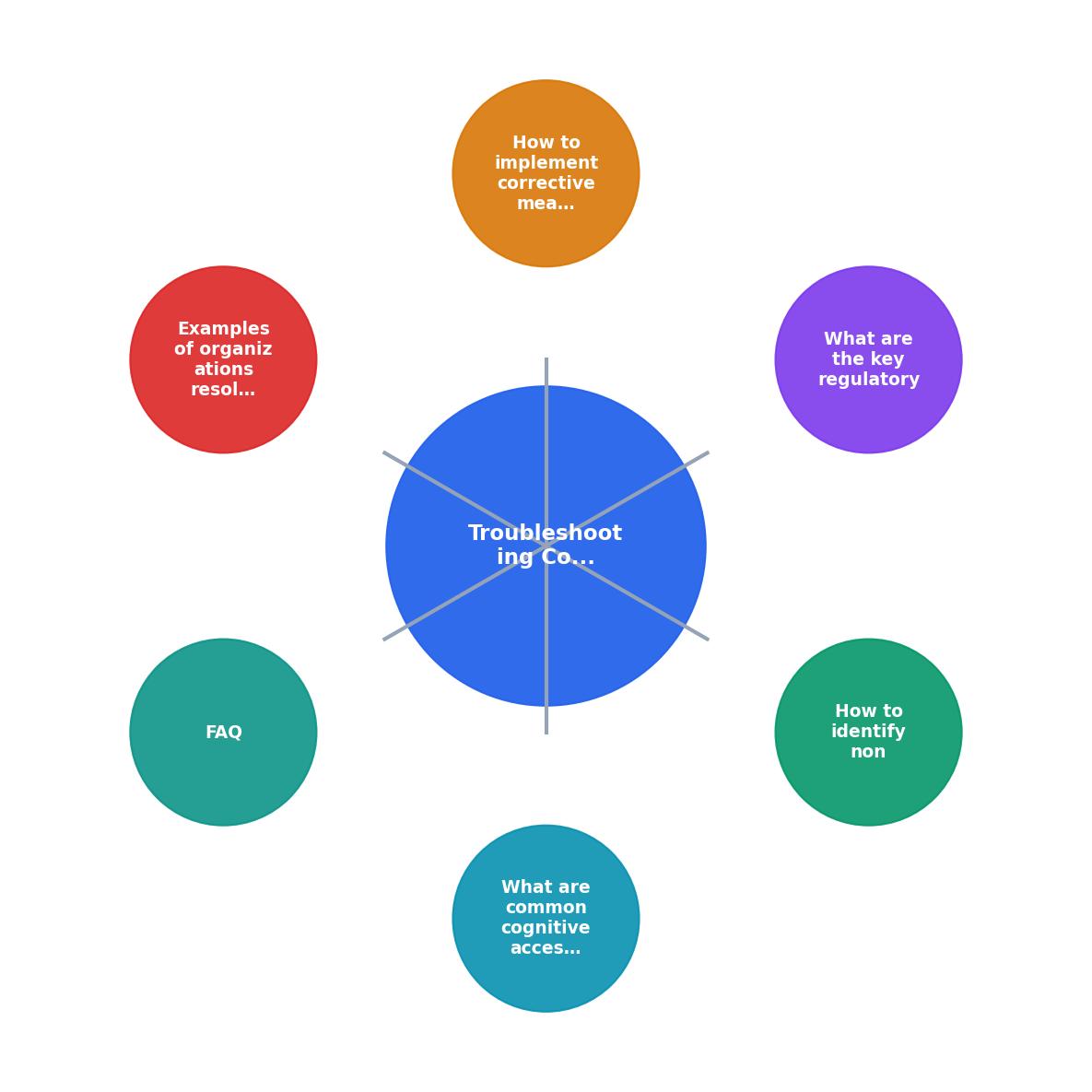
The diagram shows the flow: Audit → Identify Issues → Map to Standards → Implement Fixes → Test with Users → Document → Monitor.
Quick-Fix Priority Matrix
Start with the highest-impact fixes: clarity in error messages and critical paths. A user trying to reset their password or complete checkout won't tolerate jargon. Once those are fixed, move to visual cleanup and consistency improvements.
Examples of organizations resolving compliance problems
Several organizations have tackled cognitive accessibility compliance successfully and documented lessons that inform the field.
Healthcare providers (e.g., Cleveland Clinic, Mayo Clinic). Many have adopted plain-language standards for patient portals and educational content, aligning with cognitive accessibility requirements. They simplified appointment booking, medication lists, and symptom checkers, reducing step count and removing medical jargon where possible. Result: higher patient engagement and measurable compliance with ADA and state-level requirements.
Financial services (e.g., Wells Fargo, Ally Financial). These institutions simplified account management interfaces and error messaging after cognitive accessibility became a compliance focus. One major bank reduced login-recovery steps from 12 to 3 and rewrote error codes as plain guidance. Compliance audits confirmed improvement; user satisfaction increased.
U.S. Government (SSA, VA, CMS.gov). Federal agencies managing benefits, healthcare, and social security services have built cognitive accessibility into their redesign processes. The VA's healthcare portal and Social Security Administration's account management were redesigned with plain language, progressive disclosure, and consistent interaction patterns. These are now cited as examples in compliance training.
Educational platforms (Accessible University Consortium). Universities redesigning course management systems for accessibility added plain-language copy, progress indicators, and context-sensitive help. Student completion rates improved, particularly for students with ADHD and learning disabilities.
The common thread: organizations that treat cognitive compliance as a design responsibility, not just a checkbox, see better user outcomes and stronger audit records.
Cognitive Accessibility Compliance Troubleshooting Checklist
Your progress is saved automatically in your browser.
FAQ
Frequently Asked Questions
The cognitive accessibility compliance landscape will only sharpen in 2025 and beyond. Regulators will demand evidence of cognitive inclusion, not just technical accessibility. Organizations that act now, auditing, fixing, testing, documenting, will avoid compliance penalties and serve a broader user base more effectively. Those that ignore cognitive barriers will face litigation, regulatory action, and user abandonment.
Additional Resources
- The Complete Guide to Cognitive Accessibility for ... - Common Accessibility Challenges for Cognitively Disabled Users · Attention · Cognitive Overload · Comprehension · Memory · Problem-Solving.
- Cognitive Accessibility at W3C - Cognitive and learning disabilities impact how people process information. For example, they can affect people's perception, memory, language, attention, ...
- Best Strategies for Cognitive Accessibility in Digital Design - Common Accessibility Challenges for Cognitively Disabled Users · 1. Difficulty Maintaining Focus: · 2. Sensory Overload: · 3. Cognitive Overload:.
Need Help with Accessibility?
Improve your site's accessibility and conversion rates with our AI-powered analysis.
Get Started