Using Plain Language to Improve Website Comprehension
Your landing page copy makes perfect sense to you and your team. You wrote it, you revised it, you approved it. But your visitors read it once, squint, and leave. The gap between what you meant and what they understood is costing you conversions every single day.

Your landing page copy makes perfect sense to you and your team. You wrote it, you revised it, you approved it. But your visitors read it once, squint, and leave. The gap between what you meant and what they understood is costing you conversions every single day. Plain language closes that gap by replacing jargon, long sentences, and abstract phrasing with words your audience already knows.
- Plain language means choosing familiar words, short sentences, and clear structure so readers understand your content on the first pass.
- It directly improves conversion rates because visitors who understand your offer act on it faster.
- Every website benefits, but the impact is largest for audiences with cognitive disabilities, low literacy, or limited English proficiency.
What plain language actually means
Plain language is not dumbed-down writing. It is writing that your intended audience can read, understand, and act on the first time they see it. The U.S. federal government codified this idea into law over a decade ago:
"The Plain Writing Act of 2010 established the requirement that content for the public is written for its specific audience.">, Plain language guide series
Three core principles define plain language in practice:
- Audience-first vocabulary. Use words your readers already know. If your audience is small-business owners, write "profit" instead of "net positive revenue delta."
- Short, direct sentences. One idea per sentence. If a sentence needs a semicolon and two commas, split it.
- Logical structure. Put the most important information first. Use headings, lists, and white space so readers can scan.
That statistic from the National Center for Education Statistics means nearly half your potential audience struggles with complex text. Ignoring plain language is ignoring revenue.
How plain language boosts comprehension

Comprehension is not binary. A visitor might understand 60% of your pricing page but miss the one sentence that explains what happens after the trial ends. That missing 40% creates doubt, and doubt kills conversions.
Plain language improves comprehension through three mechanisms:
- Reduced cognitive load. Familiar words require less mental processing. The brain spends energy on the decision ("Should I buy this?") instead of decoding the sentence.
- Faster scanning. Short paragraphs and clear headings let visitors find the information they need in seconds. Most people scan before they read.
- Better retention. Simple sentences stick. A visitor who leaves your site and remembers your value proposition is more likely to return and convert.
When nearly three-quarters of confused visitors simply leave, clarity is not a nice-to-have. It is the foundation of your conversion funnel.
Complex vs. plain text examples

Seeing the difference side by side makes the concept concrete. Here are real patterns found on SaaS landing pages, e-commerce product descriptions, and service websites.
| Complex Version | Plain Language Version |
|---|---|
| "Leverage our proprietary algorithmic engine to optimize your workflow efficiency." | "Our tool helps you get more done in less time." |
| "Initiate the onboarding process by submitting requisite documentation." | "Start by uploading your documents." |
| "We facilitate seamless integration with your existing technology stack." | "We connect with the tools you already use." |
| "Failure to comply with the terms herein may result in account termination." | "If you break these rules, we may close your account." |
| "Our solution empowers stakeholders to make data-driven decisions." | "See your data clearly so you can decide faster." |
Notice the pattern. The complex versions use passive voice, abstract nouns ("efficiency," "stakeholders"), and unnecessary qualifiers ("proprietary," "requisite"). The plain versions use active verbs, concrete nouns, and shorter sentences.
How to rewrite content step by step

Rewriting existing content into plain language follows a repeatable process. Here is the workflow that works for landing pages, help docs, and product descriptions alike.
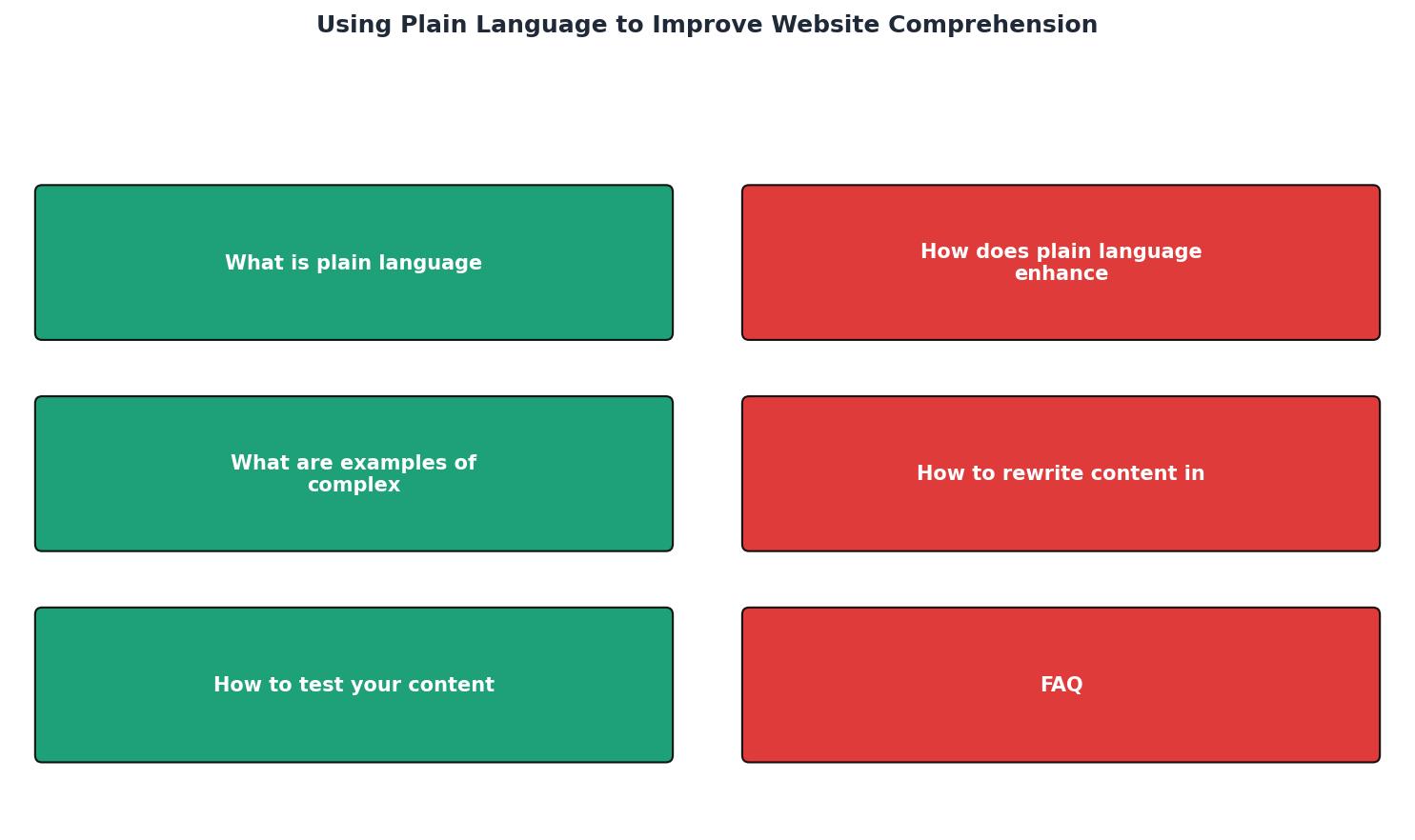
The steps break down like this:
- Identify audience. Who reads this page? A first-time visitor from a Google ad has different vocabulary than a returning power user. Write for the least experienced reader in your target group.
- Audit existing copy. Highlight every word or phrase that a new visitor might not understand. Industry jargon, acronyms without definitions, and sentences longer than 25 words are red flags.
- Replace jargon. Swap technical terms for everyday equivalents. If a technical term is essential (like "API" for a developer audience), define it on first use.
- Shorten sentences. Break compound sentences into two. Remove filler words like "basically," "actually," "in order to," and "it is important to note that."
- Restructure for scanning. Move the key message to the top of each section. Use bullet points for lists of three or more items. Add descriptive headings every 150-200 words.
- Test with real users. Ask someone outside your team to read the page and explain it back to you. If their summary does not match your intent, revise again.
Plain Language Rewriting Rules
Testing content for clarity
Writing in plain language is step one. Verifying that it works is step two. Here are the most practical testing methods ranked by effort:
- Readability scores. Tools like Hemingway Editor and Readable.com grade your text by sentence length, passive voice, and word complexity. Aim for a grade 6-8 reading level for general audiences.
- The five-second test. Show a page to someone for five seconds, then ask what the page is about. If they cannot answer, the headline and first paragraph need work.
- User paraphrasing. Ask three to five people from your target audience to read a section and explain it in their own words. Mismatches between their summary and your intent reveal problem areas.
- PagePerson Insights can flag specific sentences and sections where cognitive load spikes, giving you a data-backed starting point instead of guessing which paragraphs confuse visitors.
- A/B testing. Run the original copy against the plain-language version. Track time on page, scroll depth, and conversion rate. Numbers settle debates.
Even modest improvements in clarity tend to produce measurable conversion gains because you are removing friction from every step of the decision process.
Plain Language Rewriting Checklist
Your progress is saved automatically in your browser.
FAQ
Frequently Asked Questions
What is the one sentence on your website that you suspect confuses visitors the most? Try rewriting it using the checklist above and see what happens to your numbers.
Additional Resources
- Plain language guide series - Digital.gov - A series of guides to help you understand and practice writing, designing, and testing plain language.
- Plain Language - Writing that is clear and to the point helps improve all communication as it takes less time to read and comprehend.
- Use plain language - Harvard Digital Accessibility Services - Use familiar language. Fit your language to your audience and context. Provide definitions for unusual words and for abbreviations. Mark language changes.
Need Help with Accessibility?
Improve your site's accessibility and conversion rates with our AI-powered analysis.
Get Started